YouTube Shorts Transcript: Read and Download
Get a YouTube Shorts transcript from available captions. Follow five steps, compare TXT, SRT and VTT sample exports, and fix common caption-download problems.

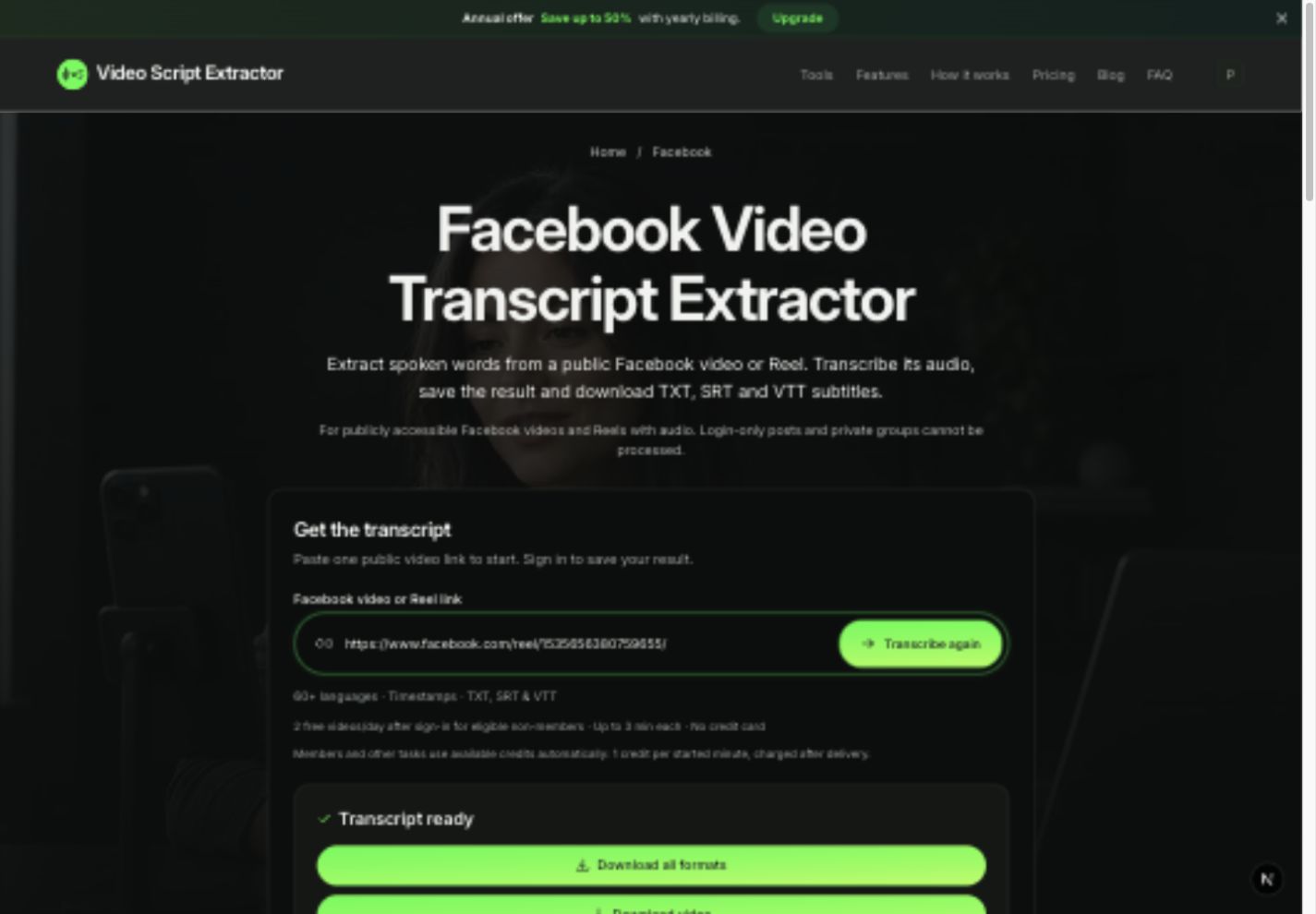
Copy the link to one public Short, open the YouTube transcript tool and download the finished result as TXT, SRT and VTT. The steps below take you from the link to files you can open and check.
You need an available caption track for this YouTube Shorts transcript workflow. If the captions are missing, use an original recording you own or have permission to upload.
Download a YouTube Shorts transcript in five steps
Have the Short open beside the tool. Use its direct video link; a channel or playlist address will not work for this task.
- Use Share, then Copy link in YouTube, or copy the Short's direct address from your browser.
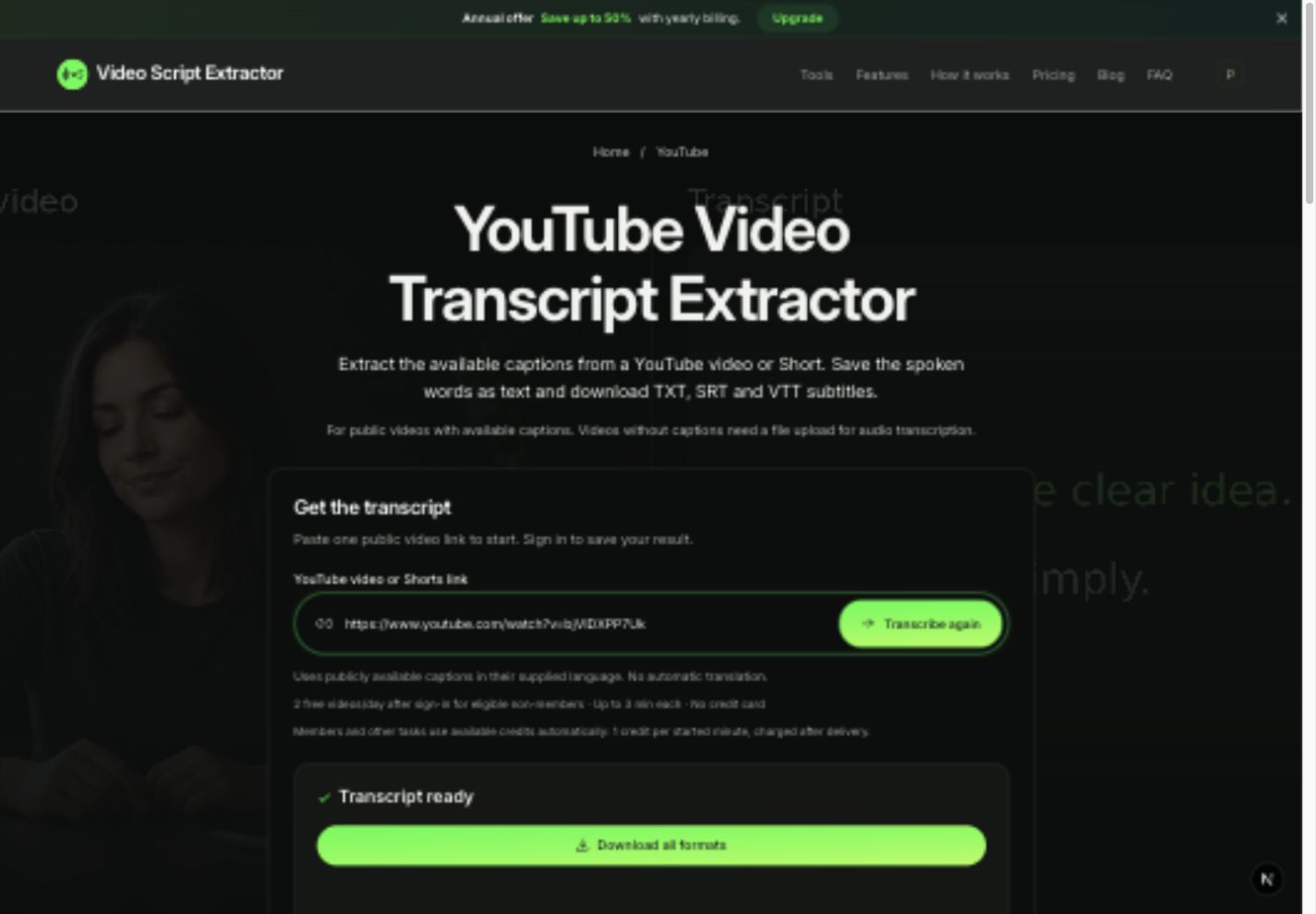
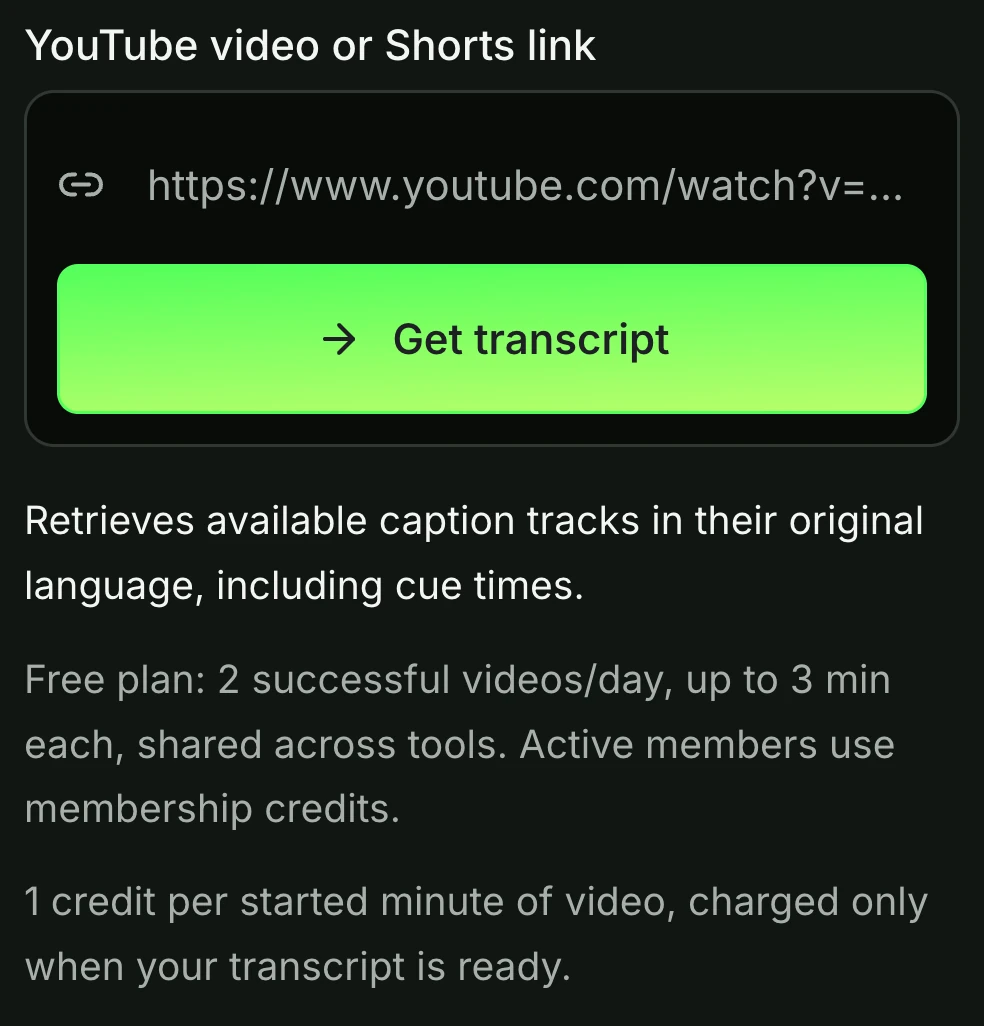
- Open the YouTube transcript tool, paste the link and sign in if prompted.
- Select Get transcript and wait for the task to finish.
- Read the preview while replaying the opening and any passage with a name or number.
- Choose Download all formats, extract the ZIP and open the TXT. Use SRT or VTT when you need subtitle timings.
Open a saved caption export before starting
The example ZIP below contains an existing caption export from Matt Jones's backyard-trail video. Its source is a standard YouTube video. The saved excerpt covers the first 11.8 seconds, with the timeline rebased to zero, and shows the file formats used by the tool.
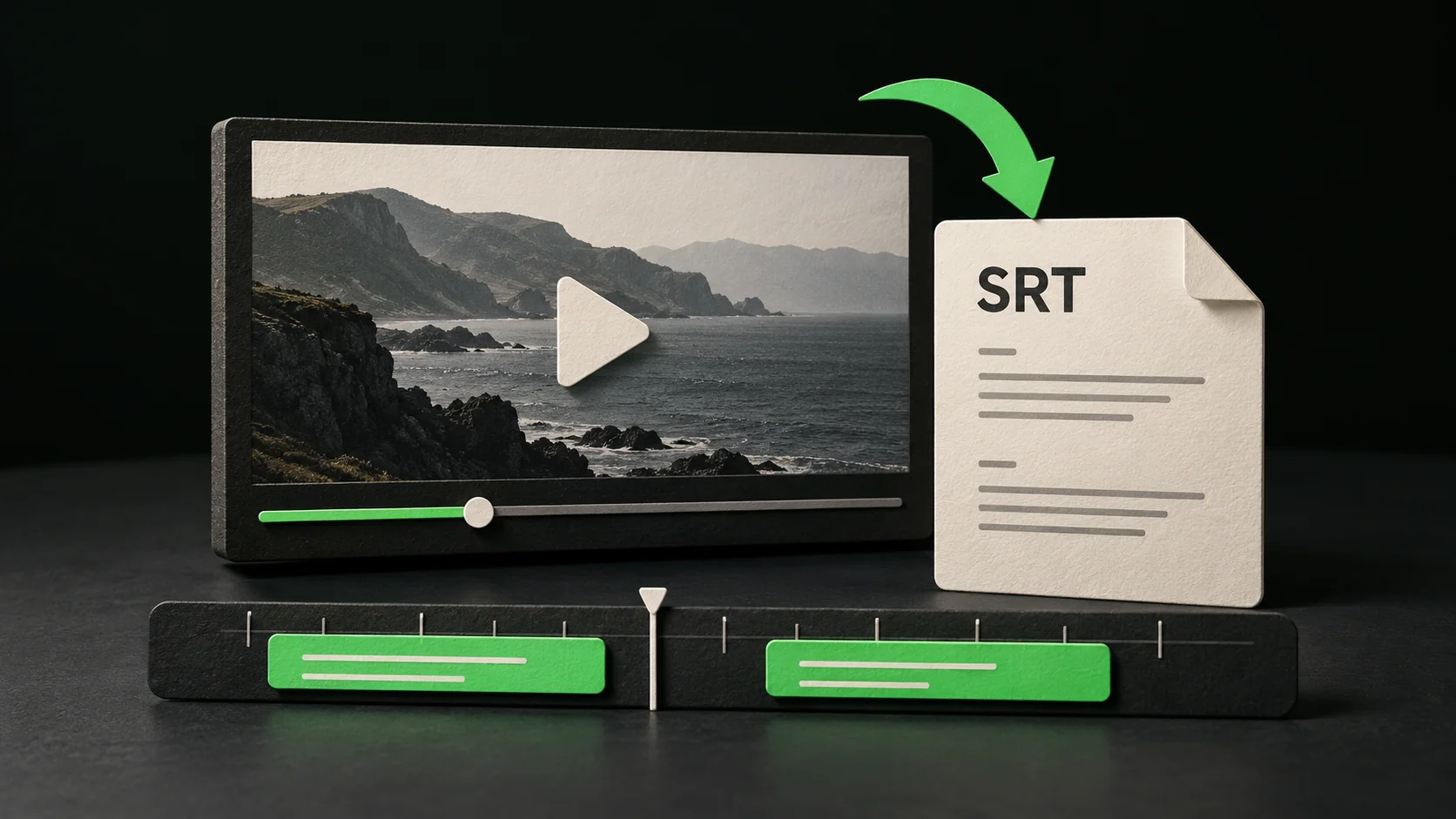
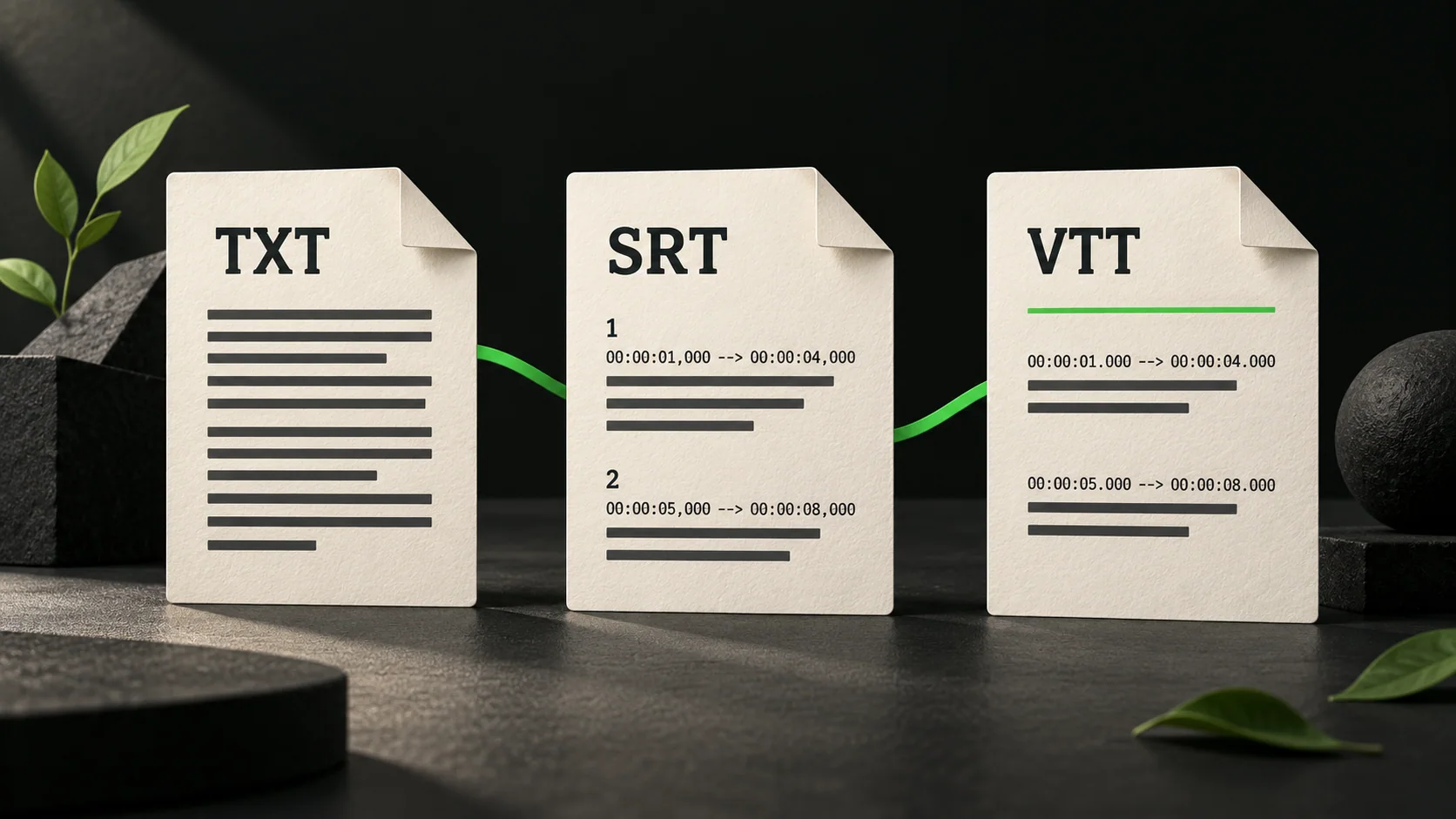
Open TXT for the words, then compare the first SRT cue with the video. The first cue begins at 00:00:00.160. A zero-based excerpt can still have a short pause before the first spoken line.
1
00:00:00,160 --> 00:00:03,679
Welcome back to the hell farm and the
In VTT, that cue uses a decimal point in the timestamps and a WEBVTT header. TXT contains the words without cue times. The linked files keep the saved caption wording.
YouTube Shorts transcript: read it or download files
If you only want to read along, use YouTube's transcript panel where it is available. Open Show transcript from the video's description and select a caption line to jump to that passage.
For a file you can keep or import elsewhere, use the export workflow above. The location of YouTube's controls can differ between Shorts and standard watch views.
| Your goal | Route | What to keep |
|---|---|---|
| Read along while watching | YouTube's transcript view, where available | The video link and the passage you need |
| Save the words or timed captions | Video Script Extractor's YouTube tool | TXT for reading, SRT or VTT for subtitle cues |
| Transcribe a recording with no caption track | Upload an original file you own or may process | The recording, checked transcript and export files |
Check YouTube Shorts captions before exporting
Play the Short and check for a captions option. YouTube's official transcript guidance applies to videos with captions. A creator can also place words directly in the picture, so visible text alone does not prove that a separate caption track exists.
Watch a passage where a name, number or technical term is spoken. Compare it with the displayed captions. You are checking the source text before exporting it: an export will not correct an inaccurate caption track.
Keep the source link with your notes. It lets you return to the same Short when a quotation needs context or a subtitle cue looks wrong.
A Shorts URL and a watch URL can identify the same video
A Shorts address contains a video ID. A standard watch address can contain that same ID. These are address patterns, with VIDEO_ID standing for the actual identifier copied from your Short:
https://www.youtube.com/shorts/VIDEO_ID
https://www.youtube.com/watch?v=VIDEO_ID
What to do when the transcript is missing or incomplete
Changing the address format does not create a caption track. If a task reports that captions are unavailable, repeatedly submitting alternative versions of the same URL will not supply the missing words.
First distinguish a link problem from a source problem. Check that you copied one public video, that it still plays and that its captions contain the passage you need. A working video can still have an unavailable caption track.
If this is your recording and you have the MP4 or WebM file, the upload tool can transcribe its spoken audio. The current file limit is 25 MB. Use a recording you own or have permission to process; the upload route is not a way to retrieve a private or blocked video.
| What you see | What it may mean | Useful next check |
|---|---|---|
| Words are visible in the picture, but no caption track is available | The text may be burned into the video | Use your original recording for speech transcription; on-screen text needs a separate visual review |
| The transcript ends early or contains the wrong word | The source captions may be incomplete or inaccurate | Replay that passage and correct your working copy |
| The link is rejected | It may be a channel, playlist or unsupported address | Copy the direct public Short link |
| The source is private, removed or restricted | The tool may be unable to retrieve it | Ask the owner for an authorized source file |
Choose TXT for notes and SRT or VTT for timing
TXT is the easiest starting point for reading, quotations and a summary. Keep a separate source note with the video's title and URL so that the text remains traceable.
SRT and VTT contain timed subtitle cues. Use the format your editor or player accepts, then check the cues against the exact video version you are using. A trim or a different opening can shift the relationship between words and pictures.
Treat the exported language as source material. Renaming an English file does not translate it, and a transcript does not capture every visual action in a Short. Add your own clearly labeled viewing notes when the visuals matter.
TXT, SRT and VTT: choosing an export format
YouTube Shorts transcript questions
Can I get a transcript when the Short has no captions?
Our YouTube link workflow needs an available caption track. If you own the original recording or have permission to process it, upload the MP4 or WebM instead. The link tool does not automatically generate missing YouTube captions from audio.
Can I download Shorts subtitles as an SRT file?
Yes, when a supported Short's caption track can be retrieved. Choose the completed task's subtitle export and check its timing against the same video.
Do I need to sign in?
Video Script Extractor asks you to sign in before starting a task. See the current pricing and free allowance before processing a longer video or several tasks.
Can I submit a whole Shorts channel?
This guide covers one video link per task. A channel or playlist address is not interchangeable with the direct URL of a Short.
Keep your YouTube Shorts transcript tied to its source
Open the TXT first and confirm that it contains the words from the Short you submitted. If you will edit subtitles, check a timed file against the exact cut of the video.
Keep the source link with your YouTube Shorts transcript. It gives you a way back to the original passage when a word or cue needs another check.