
01
Paste the public link
Open the public Reel or video post in Instagram and copy its link.
Generate an Instagram transcript from a public Reel or video post. Paste one link, sign in and download TXT, SRT and VTT. Existing captions are not required.
Explore the example. Read the text, copy a format, or download a file.

Sample video·45 sec·EN
A written example to show the export formats. This is not a live transcription.
Plain text for your next draft
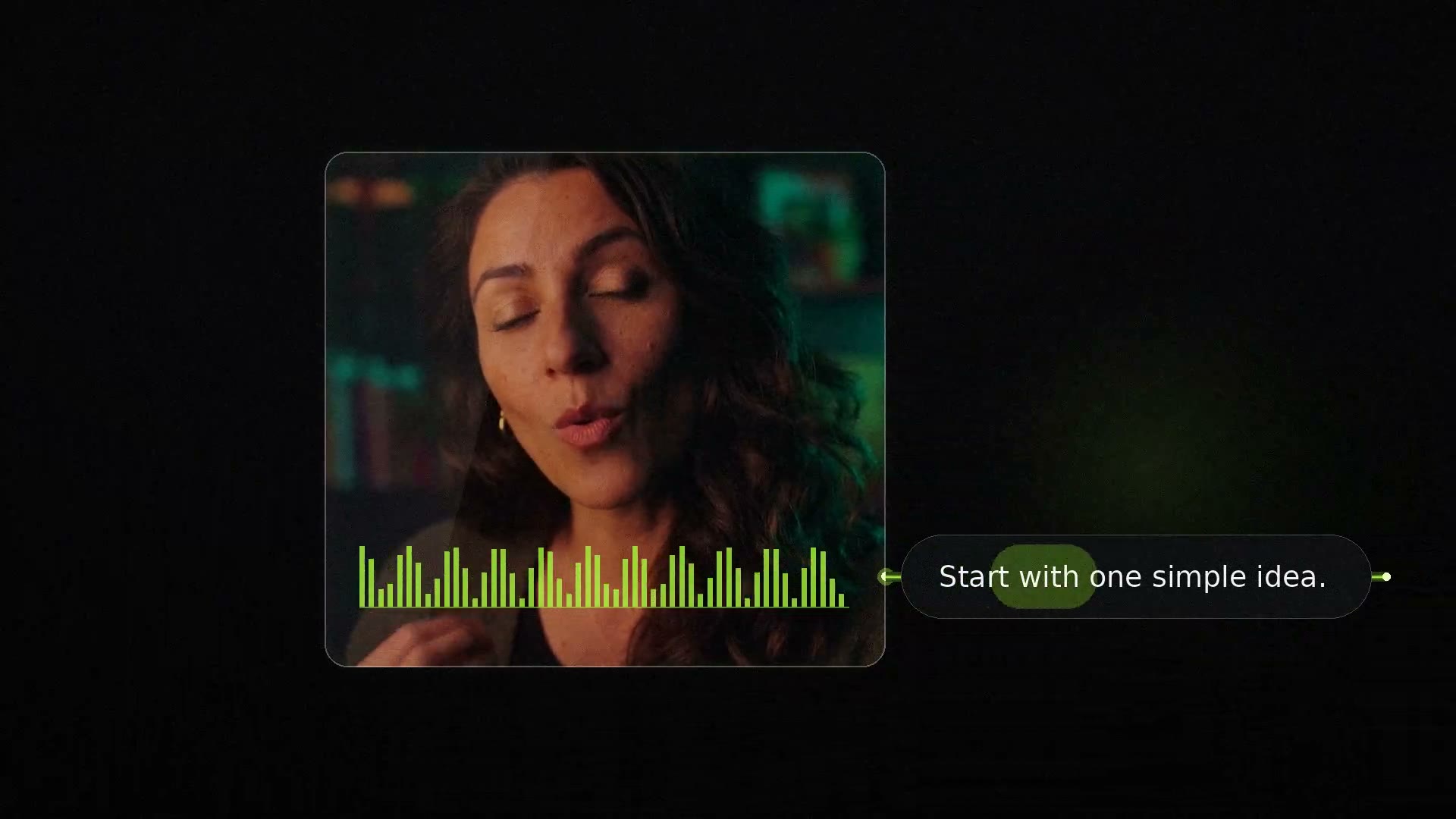
Start with one simple idea.
Write it down before you reach for your phone.
Give your story a beginning, a middle, and an ending.
Say it out loud. Keep the words that sound like you.
Then press record and share what you know.
Small steps make good stories. Start with yours.
Review the words and timing before publishing.
Open the public Reel or video post in Instagram and copy its link.
Choose Get transcript. If prompted, sign in, then submit your saved link to start.
Review the result here, copy the format you need, or download TXT, SRT and VTT together. Find it again in your history.
Keep the spoken words in a format that fits your next step: plain text for writing, or timed subtitles for your video editor.
Turn a spoken idea into a post, newsletter or outline. Copy the transcript and make it your own.
Read the opening, structure and key points without repeatedly scrubbing through a video.
Download SRT or VTT, import it into your editor, then review the words and timing.
Sign in for your daily free allowance, renewed every day for free accounts. Active members use high-speed membership credits.
COMMON QUESTIONS
Start with any video or link, choose your download format, and check the spoken language.
Paste your public video link. Get a readable transcript and TXT, SRT and VTT exports, all in one place.
Get a transcript