
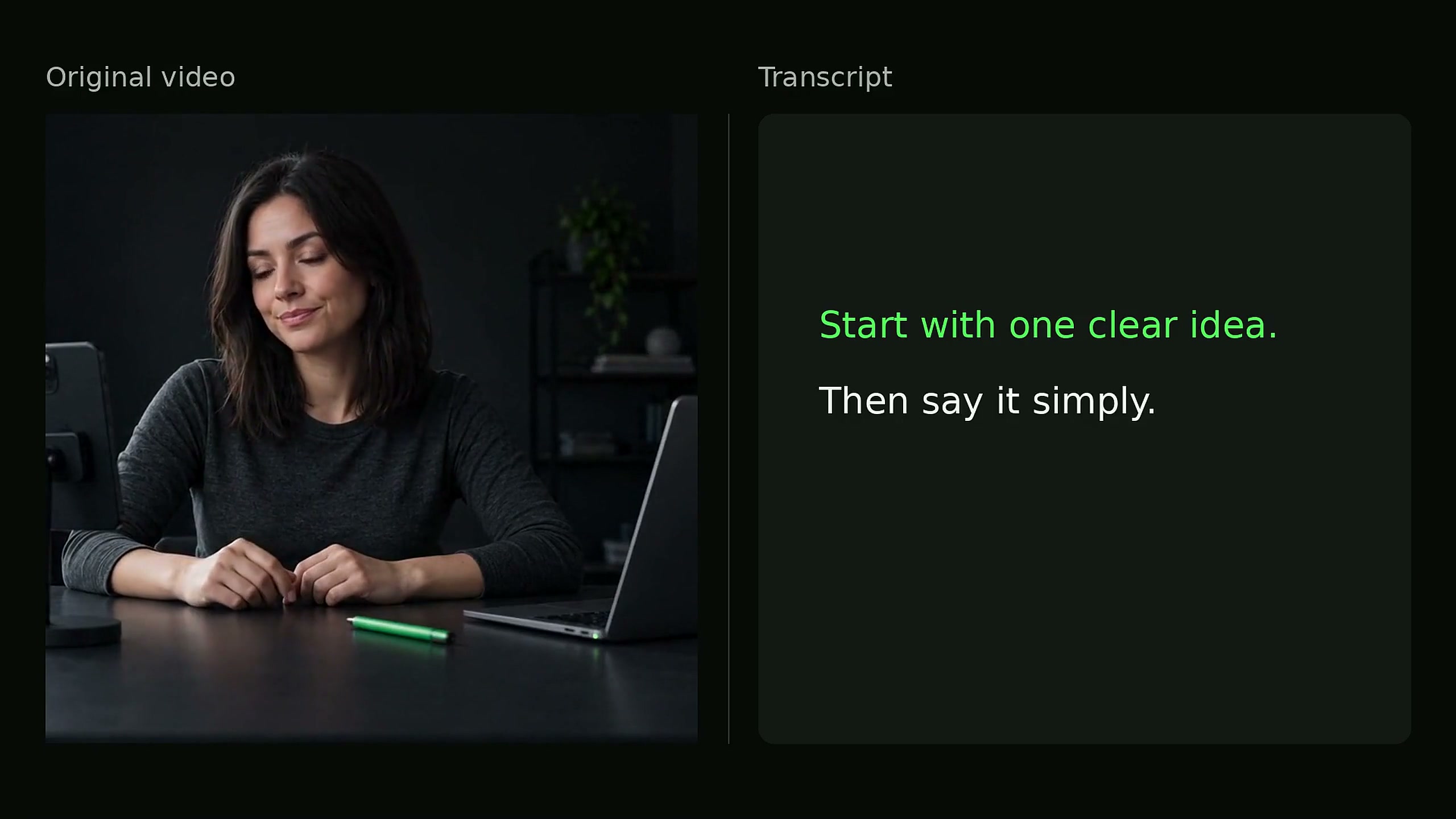
Video Transcription
Convert video to text with AI video transcription. Upload an MP4 or WebM file to transcribe its spoken audio.Use this video transcript generator to download plain TXT or timed SRT and VTT subtitles.
Sign in to start. Free plan: 2 free videos daily, up to 3 minutes each.
Have an Instagram link?Extract subtitles from your video
Choose a video from your device. Download the spoken words as TXT, SRT and VTT.
Your video is processed securely and deleted after extraction. Transcripts remain saved in your account history.
Video transcription with a script extractor
Video Script Extractor converts spoken words into a video transcript with subtitle timestamps. Download TXT, SRT and VTT together in one ZIP.
Voice frequencies are isolated from background noise and music so your transcript stays clean and focused on dialogue.
How to transcribe a video to text
Upload your video
Sign in and choose an MP4 or WebM video up to 25 MB.
Start transcription
Select Extract subtitles. The result appears on this page and in transcript history.
Download your files
Choose Download all formats. Your ZIP includes TXT, SRT and VTT.
TXT, SRT or VTT: which file should I use?
All three files contain the same transcript. SRT and VTT also include subtitle timings.
| File | What it contains | When to use it |
|---|---|---|
| .TXT | The transcript as plain text, without timestamps. | Notes, quotations and a script draft. |
| .SRT | Numbered subtitle cues with start and end times. | Video editors and players that accept SRT subtitles. |
| .VTT | Timed subtitles for web video players. | Web video captions and editors that accept VTT. |
Which video sources are supported?
Upload MP4 or WebM video files directly here, or paste links into our dedicated extractors for YouTube, TikTok, Instagram, and Facebook.
Direct video uploads & major social platforms
Files must contain audible speech and be no larger than 25 MB. The maximum audio length is 1 hour.
Explore all platform extractorsHave a video link instead of a file? Paste public URLs into our dedicated extractors for instant transcription without downloading.
Video transcription questions
What can I use an extracted video script for?
Turn spoken videos into written articles, summaries, newsletters, or quote graphics. Use SRT and VTT subtitles to add timed captions to any video editor.
Is script extraction the same as transcript extraction?
Yes. The extractor transcribes all spoken dialogue from the video into an organized script with timestamps.
Can I extract a script from a video file or online link?
Yes. Upload MP4 or WebM video files directly here, or paste links into our dedicated YouTube, TikTok, Instagram, and Facebook tools.
What is the best way to extract a script and subtitles from an MP4 video?
Upload your MP4 or WebM video file directly to Video Script Extractor. Our AI transcribes the audio, removes background noise, and generates a formatted text script along with synchronized SRT/VTT subtitle files with millisecond timestamps.
Is there a free video script extractor?
Yes! Sign in to get 2 free videos daily (up to 3 minutes each). TXT, SRT, and VTT exports are fully included. Active members use high-speed credits, while longer videos use credit packs.
How accurate is the transcript?
We use state-of-the-art AI speech models fine-tuned across 60+ languages and diverse accents. Our engine automatically filters out background music and ambient noise to deliver high-precision word-level transcripts ready for publication.
Which transcription tools offer all three formats: TXT, SRT, and VTT in one download?
Video Script Extractor includes all three formats (clean TXT for writing, SRT for video editors, and VTT for web players) in a single ZIP download for every completed video.
Use the Video Script Extractor
Upload your video to get a transcript with timestamps and subtitle files.