How to Transcribe a TikTok Video and Download Subtitles
Convert speech in any public TikTok video into highly accurate text and timed subtitles. Export clean TXT, SRT, and VTT even if the video has no captions.
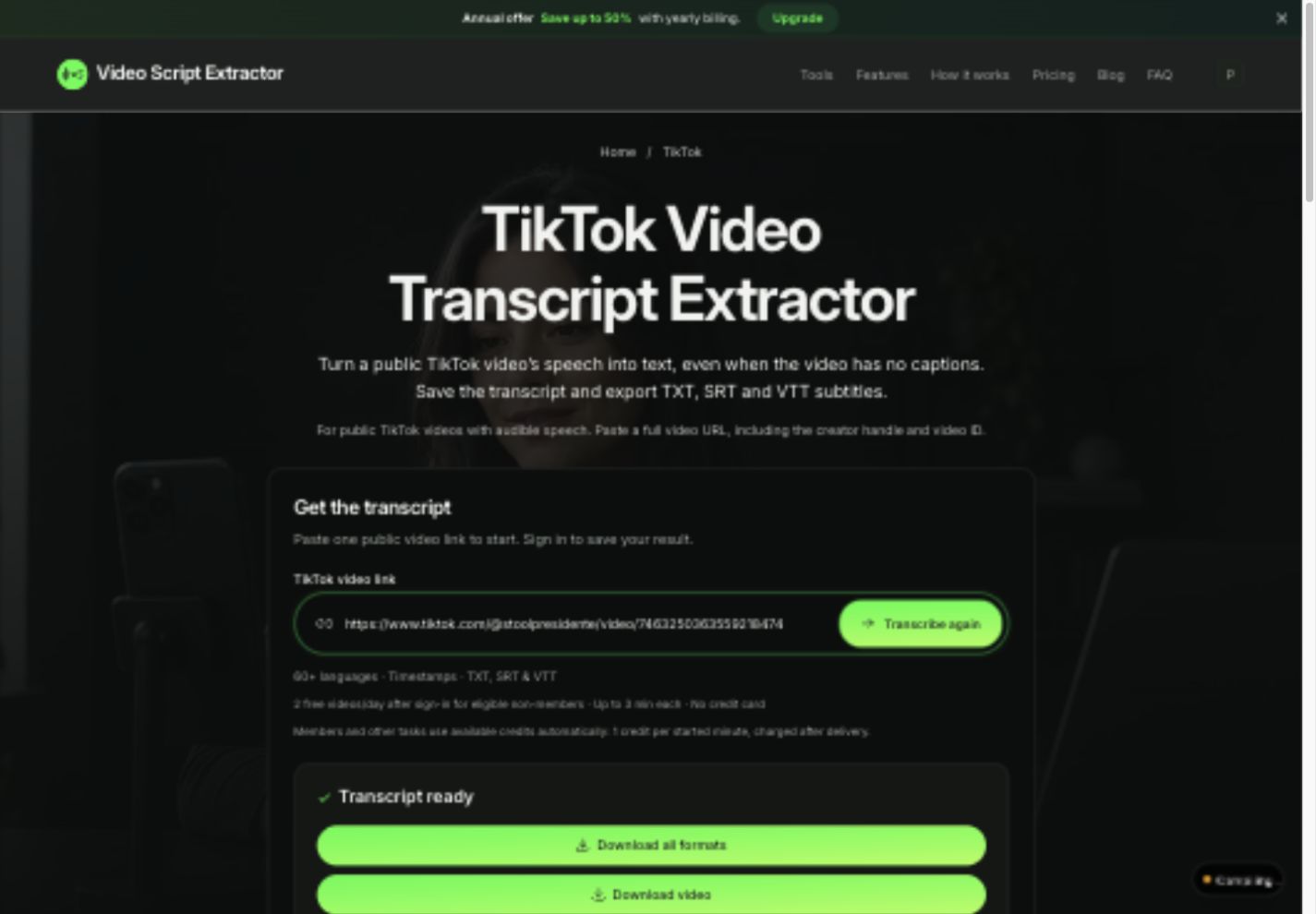
Transcribing TikTok videos manually is slow and tedious. Between rapid speech, background music, and fast pacing, pausing every few seconds to type out what creators say wastes hours of creative time.
Our TikTok transcript extractor uses high-accuracy AI speech recognition to turn spoken audio into formatted text and millisecond-accurate subtitles in seconds — even if the creator never added captions. This guide shows you how to extract any public TikTok script and turn it into usable content.
Copy the full TikTok video URL
To transcribe a video, copy its full URL directly from your desktop browser or mobile share menu (e.g. tiktok.com/@creator/video/1234567890).
If you are copying from the TikTok mobile app, it often creates short redirect links like vm.tiktok.com or vt.tiktok.com. Simply open the link in any web browser first, then copy the resolved full URL from the address bar.
When sharing from mobile, make sure to paste only the URL itself into the tool, without the extra greeting message that TikTok attaches.
https://www.tiktok.com/@creator/video/1234567890123456789Transcribe the video in 5 easy steps
Extracting speech from any public TikTok takes just a few clicks:
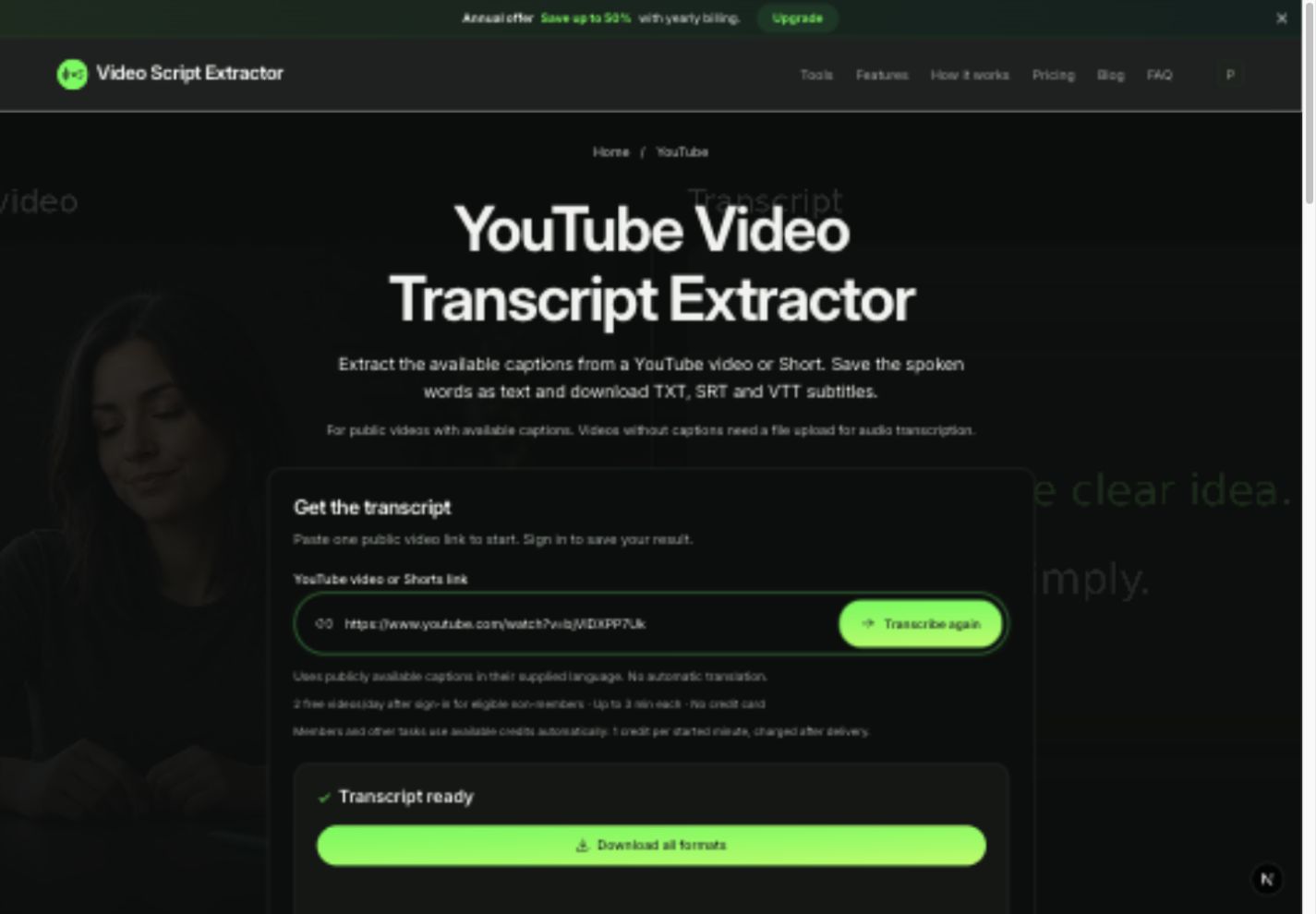
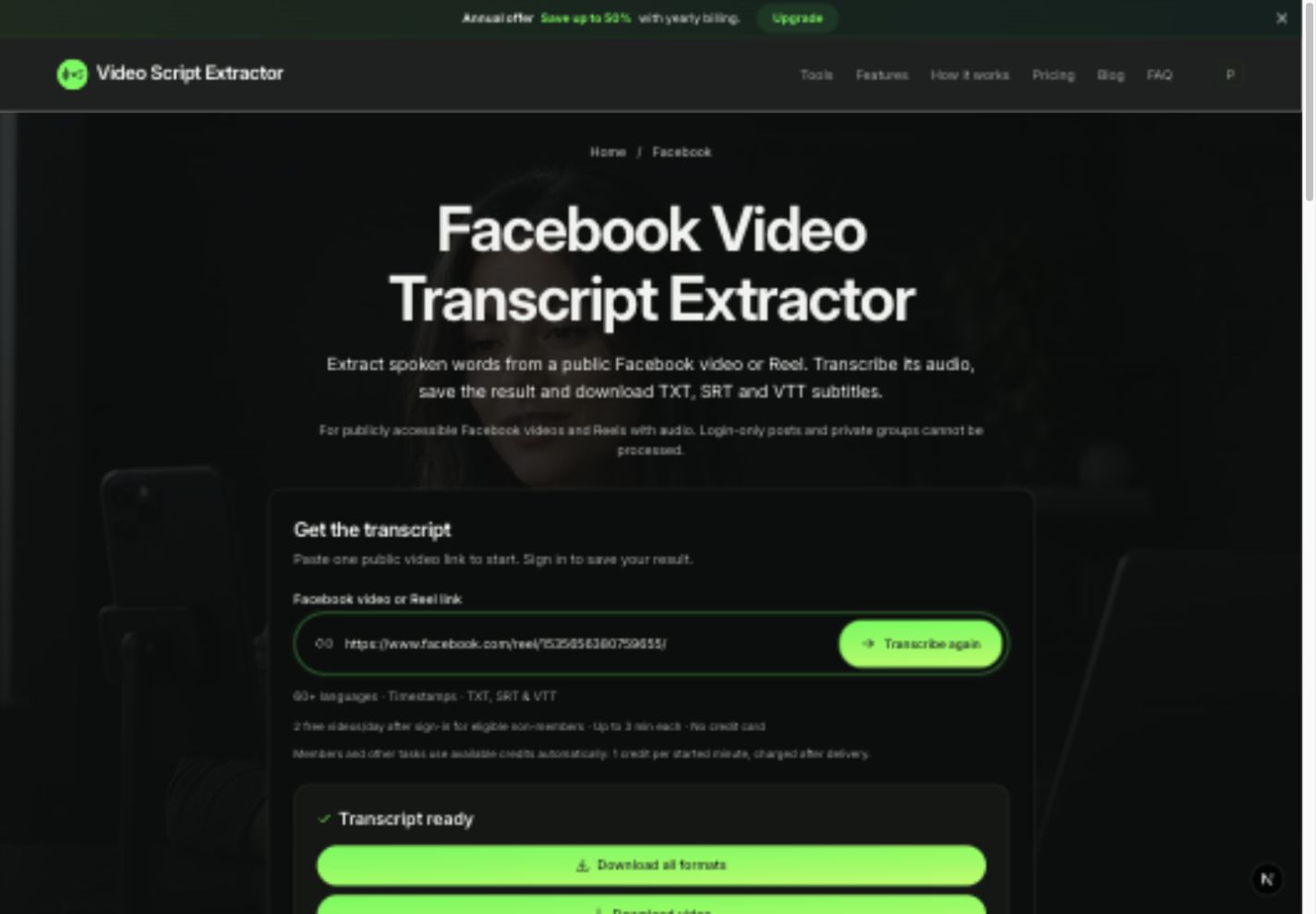
- Open the TikTok transcript tool and paste your public video URL.
- Click Get transcript (sign in if prompted to access your free daily quota).
- Our AI speech engine analyzes the audio, filters background noise, and transcribes the speech with accurate word timings.
- When Transcript ready appears, review the generated dialogue and timestamps on screen.
- Click Download all formats to export your transcript as TXT, SRT, and VTT files in one ZIP.
High-accuracy AI transcription even with background music
TikTok videos frequently feature loud background music, fast speech, and sound effects. Our speech recognition engine is specifically trained for short-form social audio, effectively isolating voices to achieve high transcription accuracy and natural punctuation.
The transcript captures all spoken dialogue and voiceovers with exact timestamps. Text shown only as on-screen stickers or in the caption description remains on TikTok, giving you a clean, focused record of what was actually spoken.
You can easily review and edit names, jargon, or slang directly from your transcript before publishing or repurposing.
Repurpose TikTok content into multiple formats
A written transcript unlocks powerful repurposing workflows: use TXT to study viral storytelling hooks, outline social media posts, or turn top-performing video scripts into blog articles and newsletters.
Use SRT or VTT subtitle files to drop directly into CapCut, Premiere Pro, or DaVinci Resolve. Adding accurate subtitles is one of the most effective ways to boost retention, especially since over 70% of social media users watch videos with sound muted.
Your download package includes TXT, SRT, and VTT files together, ready for any text or video editor.
Free daily allowance and credit pricing
Every registered account receives 2 free video transcriptions daily (up to 3 minutes each), shared across all supported platforms. For longer videos or higher volume, flexible credit packs and memberships are available.
Paid extraction uses 1 credit per started minute of video (for instance, a 45-second TikTok uses 1 credit, while a 65-second clip uses 2). Credits are only charged when your transcript is ready — failed jobs are never billed.
All transcripts are saved permanently in your Transcript History, so you can copy text or re-download subtitle files anytime without spending additional credits.
Troubleshooting common TikTok link issues
If a TikTok link cannot be processed, check these quick solutions:
| What happens | What to check |
|---|---|
| The form rejects the link | Make sure you paste the full /@creator/video/ID URL. Open short vm.tiktok.com links in a browser first. |
| The video cannot be retrieved | Check that the video is public and accessible without logging in to a private account. |
| Audio has heavy noise or music | Our AI filters background noise, but you can review and polish any niche slang in your editor. |
| Free allowance reached | Free daily allowances refresh every day. You can also add credit packs to continue immediately. |
Frequently asked questions
Can I transcribe a video that has no TikTok captions?
Yes! Our tool transcribes the spoken audio directly using AI, so an existing creator subtitle track is not required.
Can I transcribe private TikTok videos?
The link tool works on public videos. If you are the creator and have the video file, you can upload it directly to our file upload tool.
Where can I find my past TikTok transcripts?
Sign in and open your Transcript History. All completed transcripts and subtitle files are securely saved for free future downloads.