Instagram Captions vs Transcripts: What's the Difference?
Understand the difference between Instagram post captions, on-screen subtitles, and audio transcripts. Learn how to extract spoken dialogue from Reels for editing, SEO, and content repurposing.

When working with Instagram Reels, people often use the terms “captions” and “transcripts” interchangeably. However, they serve completely different purposes in video production and content repurposing.
An Instagram caption typically refers to the text description and hashtags below a post, or short on-screen overlay text. A video transcript, by contrast, is a verbatim record of every spoken word with precise millisecond timestamps.
Understanding this distinction helps content creators, video editors, and social media managers choose the right tool for script analysis, subtitle generation, and multi-platform publishing.
Captions vs Transcripts vs Subtitles: A quick breakdown
Post Captions: The written copy, emojis, and hashtags placed below the video in Instagram's feed. They explain the post but rarely match the full spoken audio word for word.
Closed Subtitles (SRT / VTT): Timed text overlays synchronized to speech. They allow viewers to follow dialogue with the sound off and are required for video editing.
Verbatim Transcript (TXT): A complete text document containing every spoken sentence, pause, and idea from the video audio, ideal for articles, summaries, and script study.
| Feature | Post Caption | Subtitle File (SRT/VTT) | Verbatim Transcript (TXT) |
|---|---|---|---|
| Primary Source | Typed by creator in post description | Generated from spoken audio timestamps | Transcribed from spoken dialogue |
| Timecodes | ❌ No timestamps | ✅ Millisecond precision (00:00:01,250) | ❌ Plain text only |
| Best Use Case | Social post context & hashtags | Video editing (Premiere, CapCut) | Blog posts, newsletters, AI summaries |
| Extraction Tool | Instagram app copy | Video Script Extractor (SRT/VTT) | Video Script Extractor (TXT) |
When do creators need a full audio transcript?
Repurposing short-form video into long-form content: Turn a 60-second Reel into an 800-word blog post or email newsletter using the exact spoken arguments.
Studying viral hooks and pacing: Analyze how top creators structure their hook, core value proposition, and call to action.
Accessibility and international reach: Translate or repurpose dialogue for audiences who prefer reading or speak other languages.
How to extract transcripts and subtitles from any Instagram Reel URL
To get a complete transcript and subtitle package from any public Instagram link:
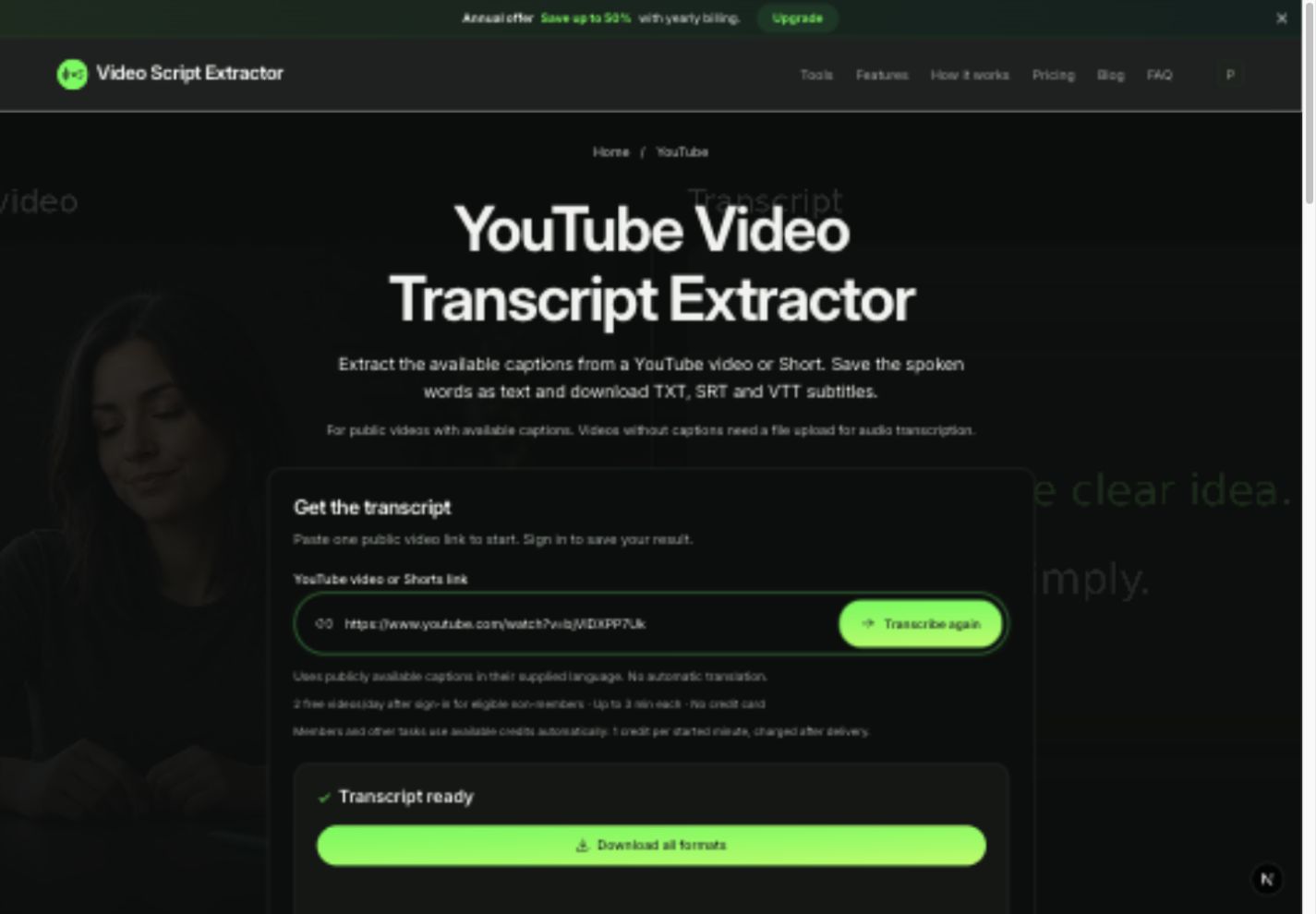
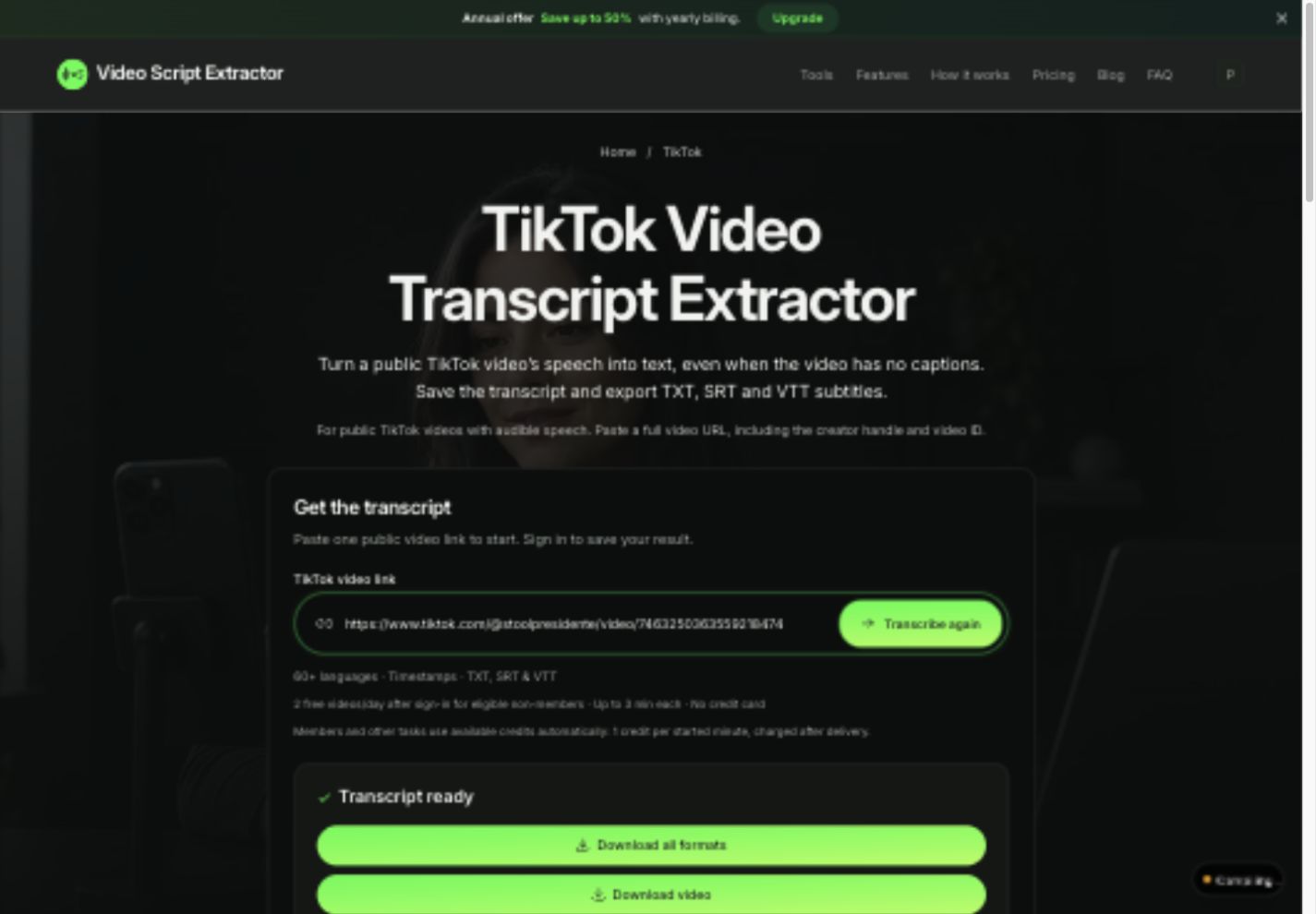
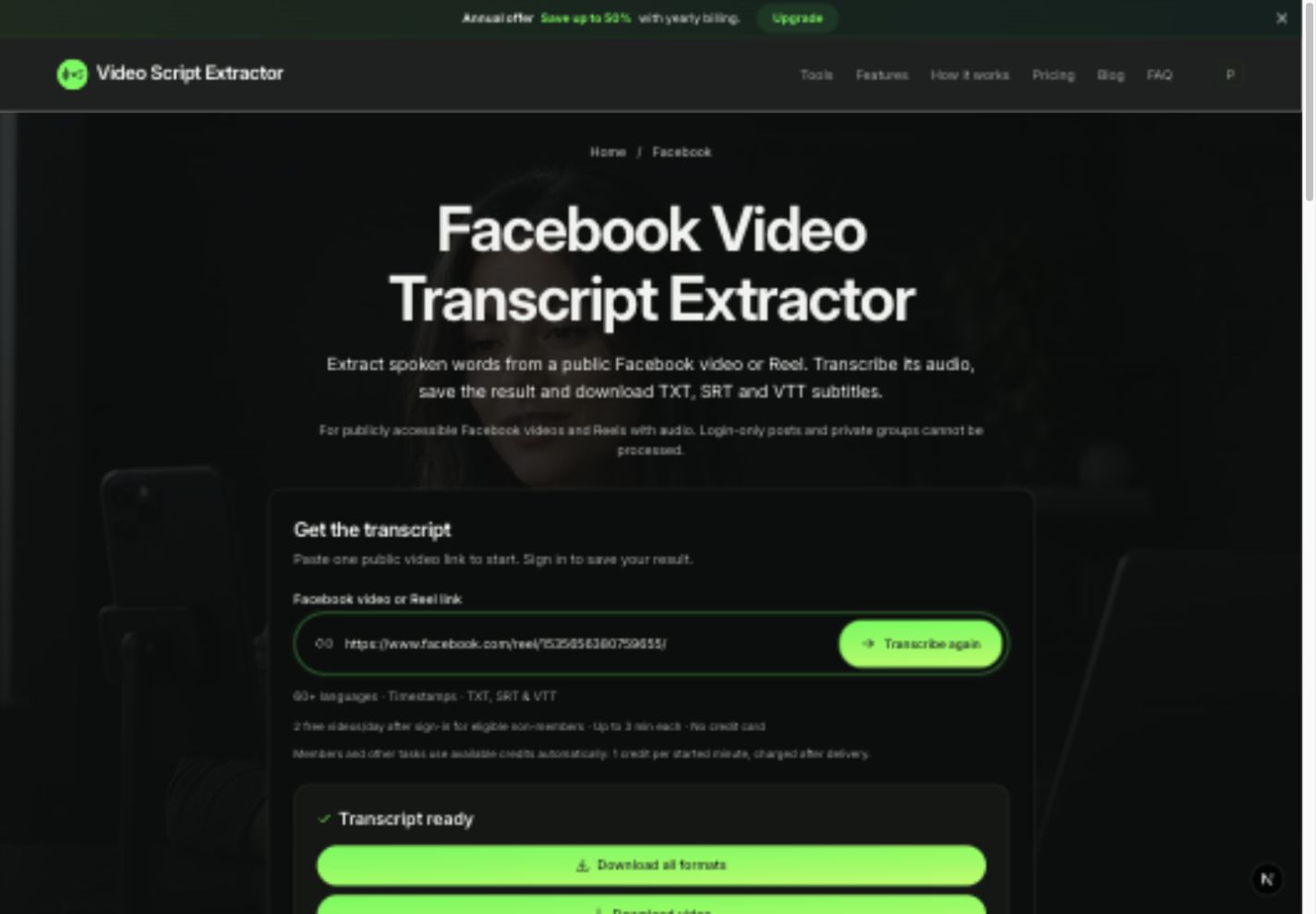
1. Copy the public Reel URL and paste it into Video Script Extractor.
2. Our AI transcribes the spoken words and calculates exact start/end timecodes.
3. Download all formats in one ZIP: TXT for writing, SRT for editing, and VTT for web players.
How to extract a script from an Instagram Reel