How to Extract a Script from an MP4 Video
Learn how to convert MP4 and WebM video files into text scripts and timed SRT/VTT subtitles in seconds. High-accuracy AI speech recognition without downloading extra software.

Whether you have recorded a Zoom presentation, a podcast video, or a mobile interview in MP4 or WebM format, typing out the spoken dialogue manually takes hours of tedious playback and editing.
Video Script Extractor allows you to upload MP4 or WebM video files directly in your browser and automatically transcribe spoken words into clean text and timed subtitles in seconds.
In this guide, you will learn the step-by-step process of converting video files into scripts, how AI handles background noise and accents, and how to export editor-ready SRT subtitles.
Step-by-step: How to extract a script from an MP4 or WebM file
Step 1: Open the Video Script Extractor file upload tool.
Step 2: Choose an MP4 or WebM video file from your computer or phone (up to 25 MB).
Step 3: Click Extract subtitles. The AI speech engine transcribes dialogue with automatic language detection.
Step 4: Download your complete transcript package containing TXT, SRT, and VTT files.
URL extraction vs file upload: Which should you use?
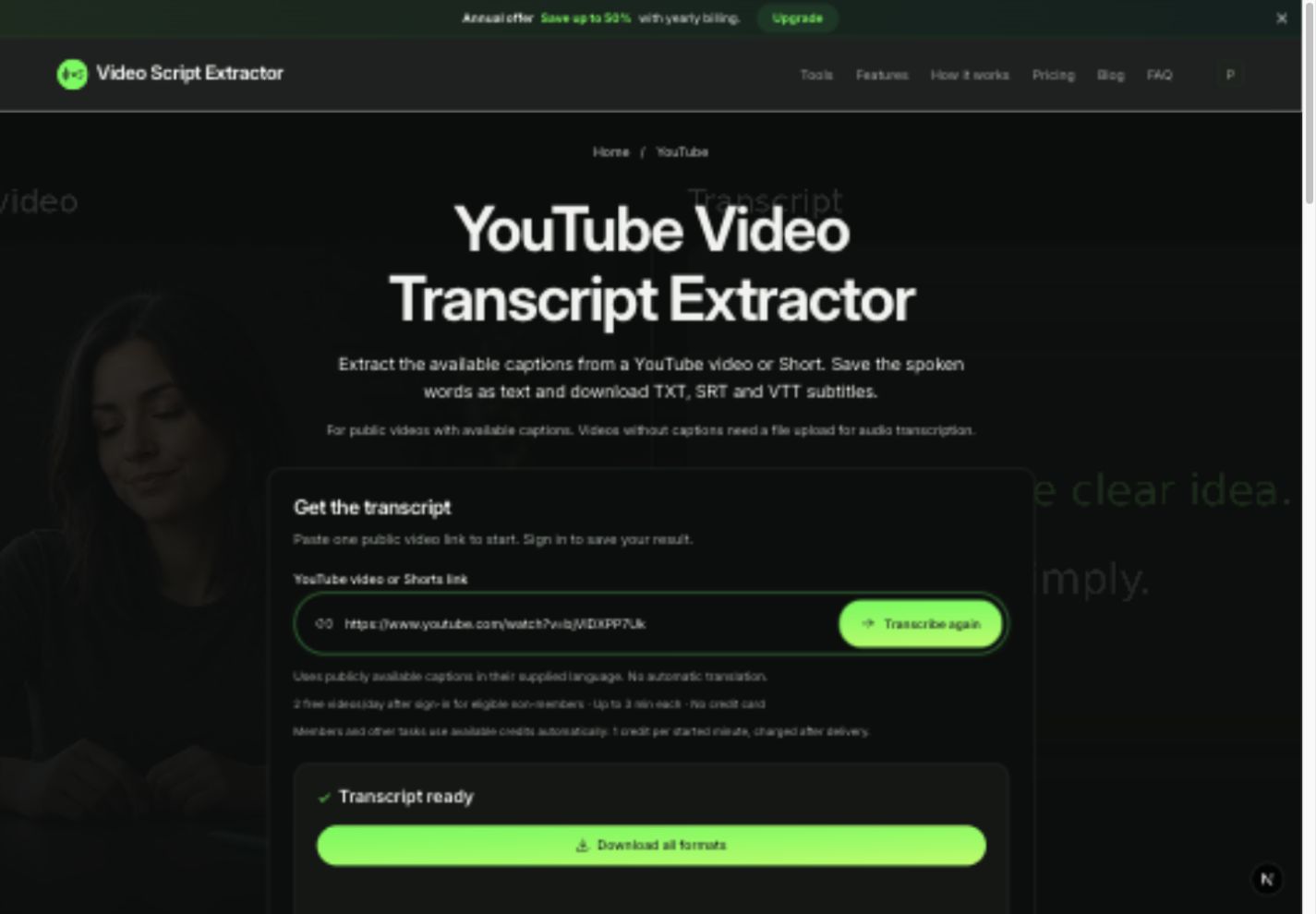
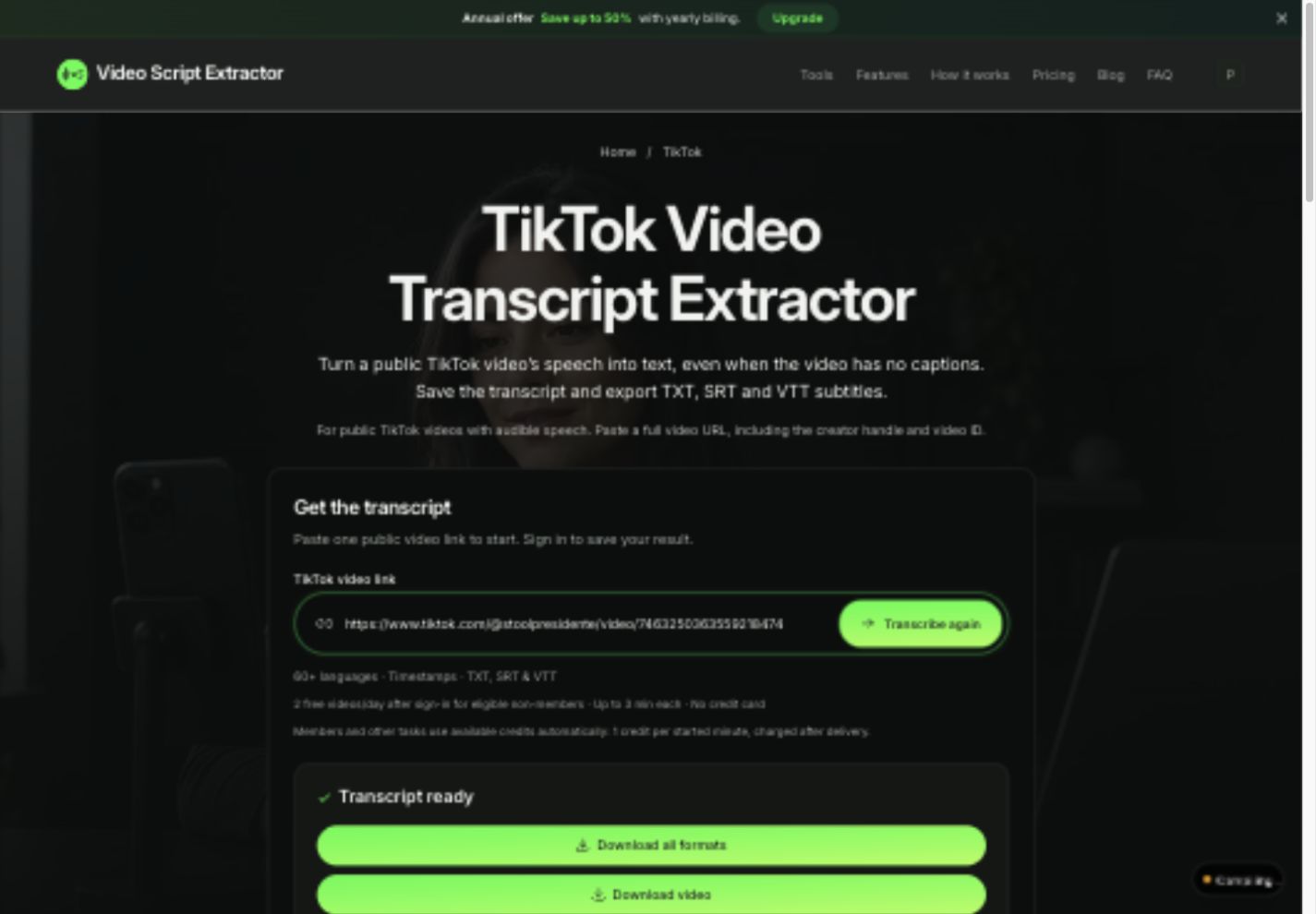
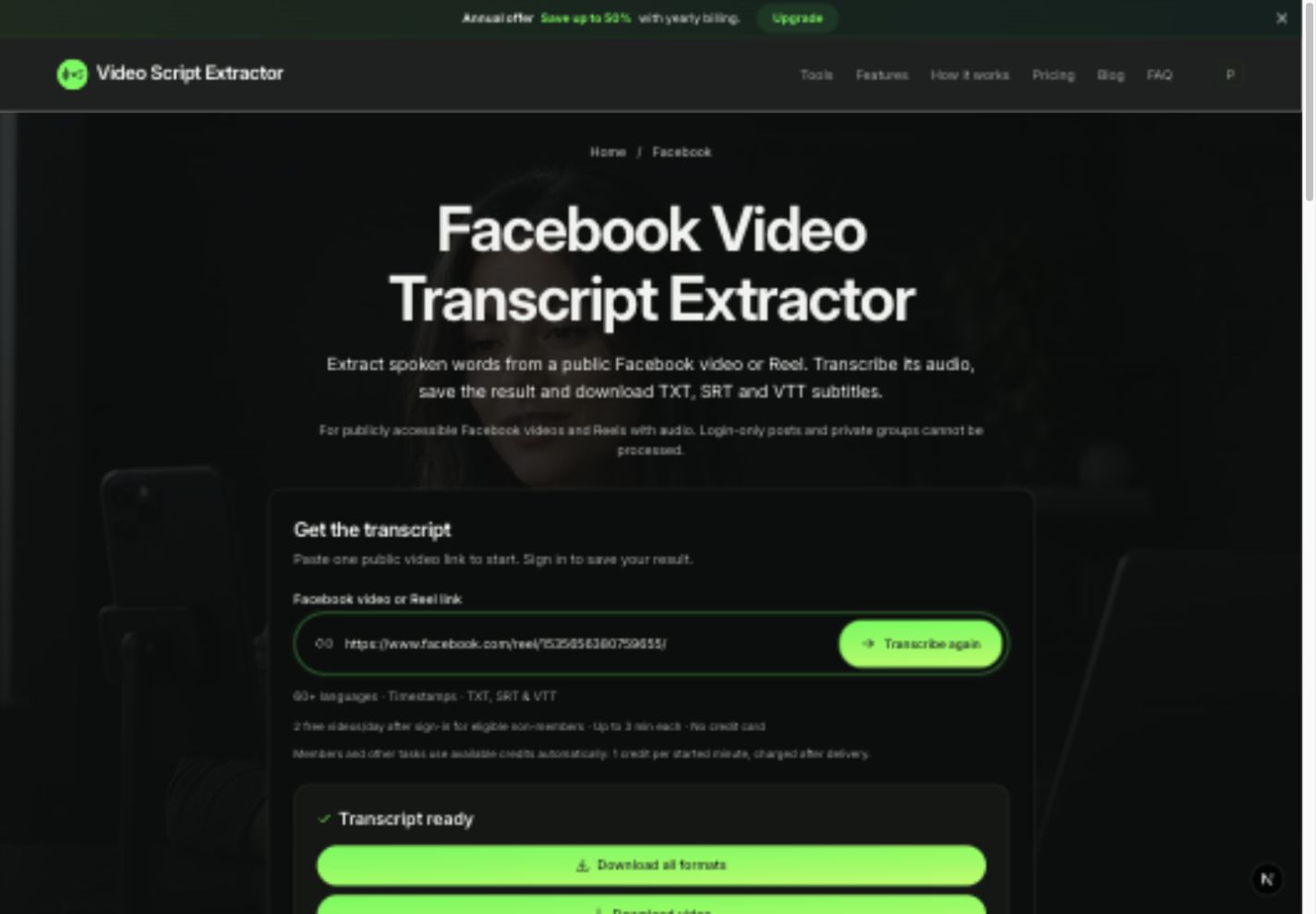
URL Extraction: Best for public social media videos (Instagram Reels, TikTok, YouTube, Facebook). No need to download video files to your device first.
File Upload: Best for original recordings, Zoom calls, raw camera clips, or unlisted videos on your hard drive.
| Feature | URL Extractor | File Uploader (MP4/WebM) |
|---|---|---|
| Supported Input | Public video links (Instagram, TikTok, YouTube, Facebook) | Local video files (MP4, WebM up to 25 MB) |
| Bandwidth Usage | Zero video download required | Uploads local file in browser |
| Output Formats | TXT, SRT & VTT in one ZIP | TXT, SRT & VTT in one ZIP |
| Best For | Social media research & viral hook analysis | Original footage & podcast transcription |
Exporting TXT, SRT, and VTT for your workflow
TXT: Plain text for articles, show notes, and summaries.
SRT: Numbered subtitle cues with exact timecodes for Premiere Pro, DaVinci Resolve, or CapCut.
VTT: Standard web video captions for HTML5 web players.
Upload an MP4 or WebM video now