
Video Script Extractor
Upload a video and extract its spoken words as subtitles.Get timestamped text. Download TXT, SRT or VTT.
Sign in to start. Free plan: 2 videos per UTC day, up to 3 minutes each.
Extract subtitles from your video
Choose a video from your device. Download the spoken words as TXT, SRT and VTT.
Your video is stored privately and deleted after processing, once its upload link has expired. The transcript stays in your history.
What you get from the Video Script Extractor
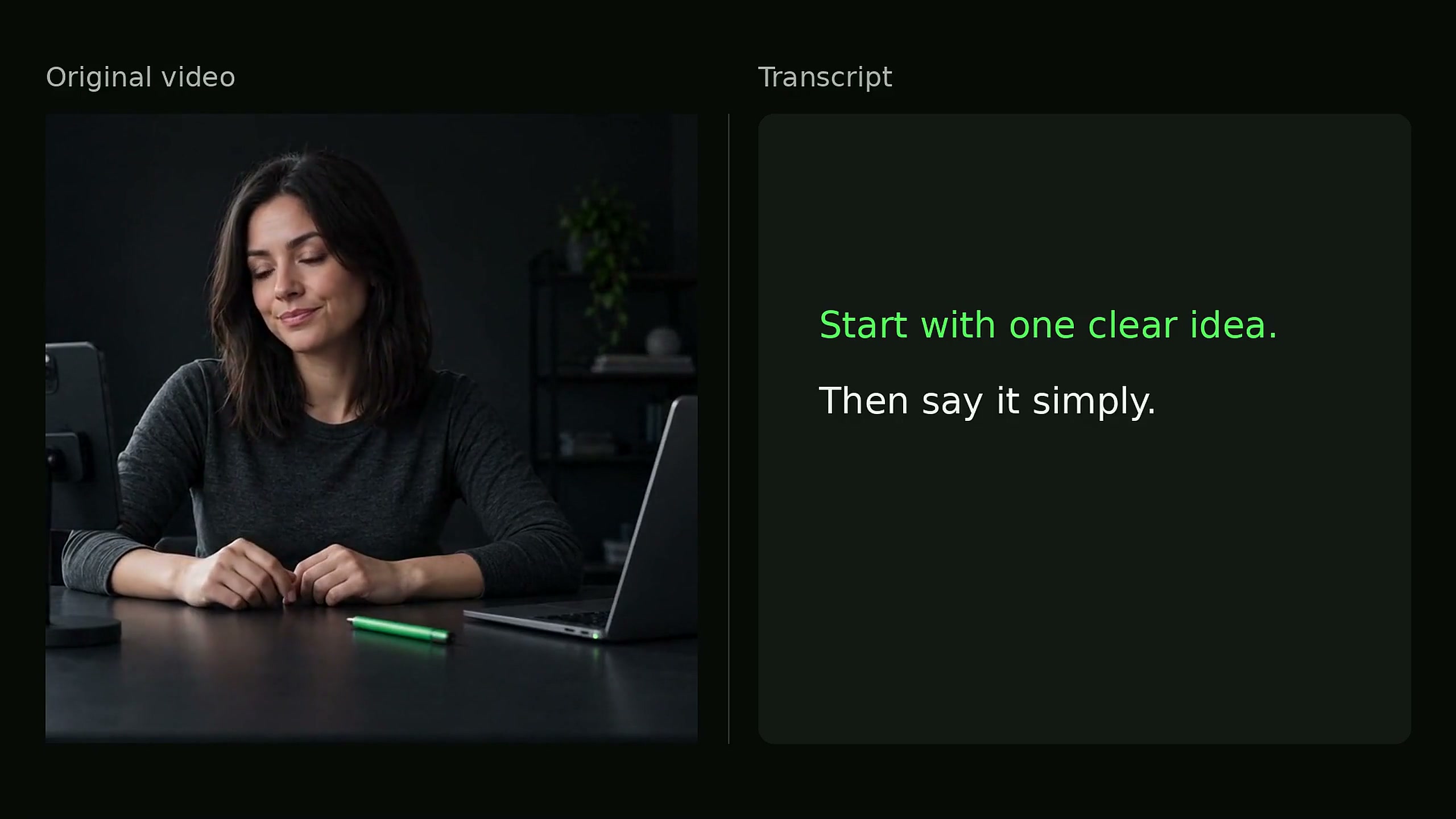
The Video Script Extractor turns the video’s speech into a transcript with timestamps. Download the transcript and subtitles as TXT, SRT and VTT in one ZIP.
Post captions, hashtags and text shown on screen are not included.
How to use the Video Script Extractor
Upload your video
Sign in and choose an MP4 or WebM video up to 25 MB.
Start transcription
Select Extract subtitles. The result appears on this page and in transcript history.
Download your files
Choose Download all formats. Your ZIP includes TXT, SRT and VTT.
TXT, SRT or VTT: which file should I use?
All three files contain the same transcript. SRT and VTT also include subtitle timings.
| File | What it contains | When to use it |
|---|---|---|
| .TXT | The transcript as plain text, without timestamps. | Notes, quotations and a script draft. |
| .SRT | Numbered subtitle cues with start and end times. | Video editors and players that accept SRT subtitles. |
| .VTT | Timed subtitles for web video players. | Web video captions and editors that accept VTT. |
Which video sources are supported?
Upload an MP4 or WebM video here, or use an Instagram link on the Instagram tool page.
Video files and Instagram links
Files must contain speech and be no larger than 25 MB. The maximum audio length is 1 hour.
Instagram Video Script ExtractorYouTube, TikTok and Facebook links are not supported. You can upload a video file from your device.
Video script extraction questions
What can I use an extracted video script for?
Use the transcript for notes, quotes or a script draft. Download SRT or VTT when you need timed subtitles.
Is script extraction the same as transcript extraction?
Yes. In this tool, a script is a transcript of the video’s speech.
Can I extract a script from a video file?
Yes. Upload an MP4 or WebM video up to 25 MB using the form on this page. For Instagram links, use the Instagram tool page.
Is there a free video script extractor?
After sign-in, accounts without an active membership get 2 free videos per UTC day, up to 3 minutes each. TXT, SRT and VTT exports are included. Active members use membership credits. Longer videos and extra tasks use available credits.
How accurate is the transcript?
Background noise, accents and people talking over each other can cause errors. Check names, numbers and quotes against the original audio.
Use the Video Script Extractor
Upload your video to get a transcript with timestamps and subtitle files.