How to Get a Facebook Video Transcript
Transcribe speech from public Facebook videos and Reels with high accuracy. Download clean TXT, SRT, and VTT subtitles in seconds without manual typing.
Transcribing Facebook videos, Reels, or recorded live streams manually takes hours of tedious playback and typing. Whether you are extracting notes from a keynote presentation, studying an interview, or creating subtitles for your own content, getting an automated transcript eliminates manual friction.
Our Facebook transcript extractor uses advanced AI speech recognition to convert spoken audio into readable text and editor-ready subtitles in seconds — no existing Facebook captions required. This guide explains supported links, extraction steps, and content repurposing tips.
Find the right Facebook video URL
Our tool supports public Facebook Reels, standard watch videos, and Page video posts. The table below shows common supported formats (replace with your video's actual ID):
For watch URLs, make sure to include the ?v= parameter as it contains the unique video identifier.
If you copied a facebook.com/share/... link from the mobile app, open it in your browser first to get the direct Reel or watch URL before pasting.
| Video type | Link format |
|---|---|
| Facebook Reel | https://www.facebook.com/reel/123456789012345/ |
| Watch video | https://www.facebook.com/watch/?v=123456789012345 |
| Page video | https://www.facebook.com/YourPage/videos/123456789012345/ |
Get your transcript and subtitles in 5 easy steps
Follow these five simple steps to extract subtitles from any public Facebook video:
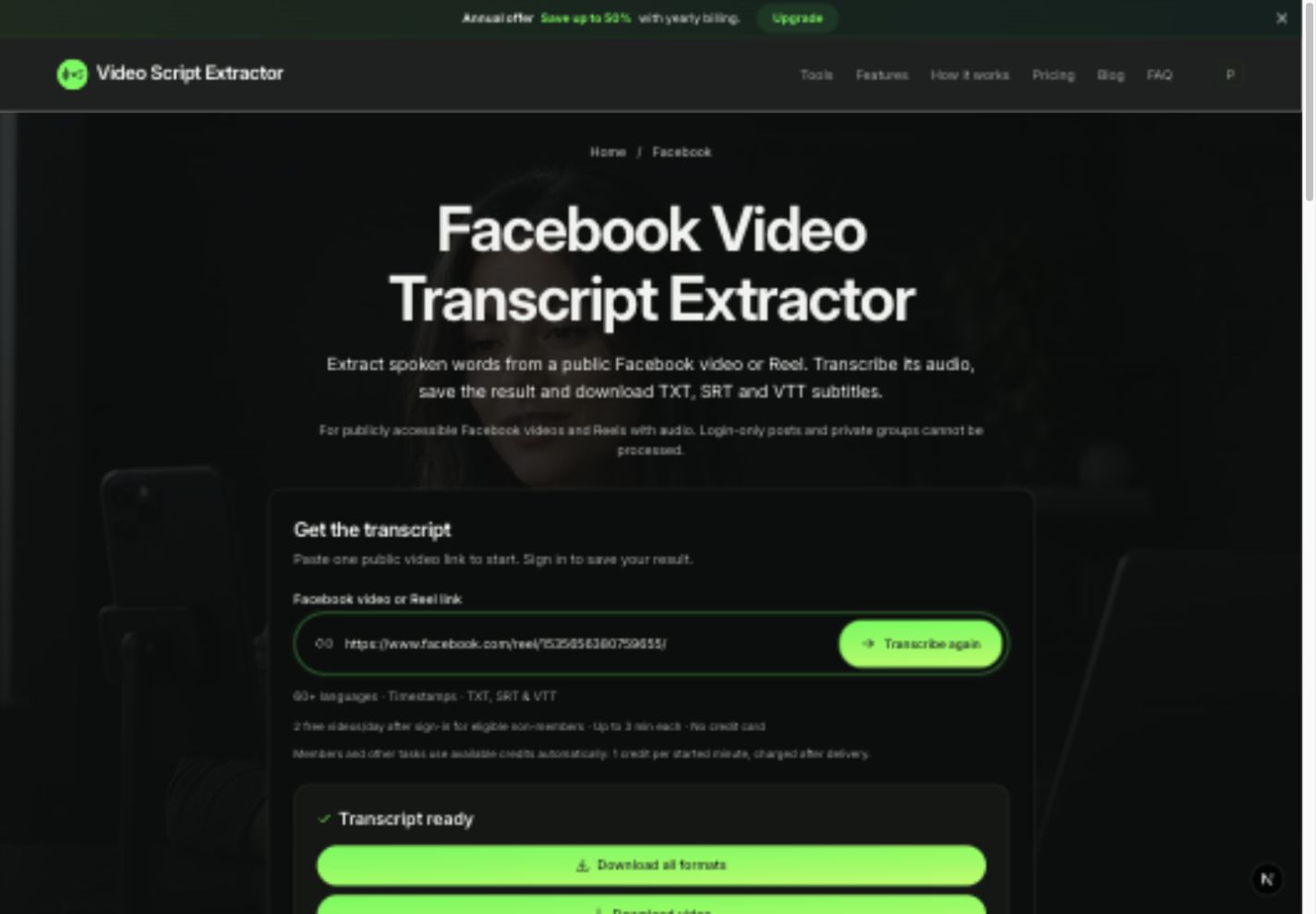
- Open the Facebook transcript tool and paste your public video or Reel link.
- Click Get transcript (sign in if prompted to use your free daily quota).
- Our AI speech engine processes the video's audio, filtering noise and generating word timestamps.
- When Transcript ready appears, review the generated dialogue directly on screen.
- Click Download all formats to export your transcript as TXT, SRT, and VTT files in one ZIP.
High-accuracy AI speech recognition
Our speech recognition engine transcribes spoken dialogue with high accuracy, automatically handling diverse accents, rapid conversation, and background music with natural sentence punctuation.
The transcript captures all spoken audio and voiceovers. It does not extract text from comments, post descriptions, or on-screen graphics, keeping your transcript clean and ready for content creation.
For technical presentations, interviews, or tutorials, having an accurate verbatim transcript makes referencing key quotes and timestamps fast and effortless.
Repurpose Facebook video content effortlessly
Turn long Facebook videos into multi-platform content assets: use TXT to summarize webinars, write email newsletters, or build comprehensive blog posts from video interviews.
Use SRT or VTT subtitle files to re-upload to Facebook, YouTube, or LinkedIn with accurate closed captions. Adding captions significantly increases video watch time and accessibility across all platforms.
All three formats are packaged into a single ZIP from your saved transcript, ready for immediate use in your editing software or word processor.
Free daily allowance and transparent pricing
Every registered account receives 2 free video transcriptions daily (up to 3 minutes each), shared across all platforms. For longer tutorials and webinars, flexible credit packs and memberships are available.
Paid jobs use 1 credit per started minute of video. Credits are only charged when your transcript is ready — if a video fails to process, no credits are deducted.
All completed transcripts remain in your account's Transcript History. You can revisit them anytime to copy quotes or redownload subtitle files without spending additional credits.
Frequently asked questions
Do Facebook Reels work?
Yes! Simply paste any public facebook.com/reel/... URL to transcribe the audio and download subtitles.
Does the video need captions already?
No. Our tool transcribes the spoken audio directly using AI, so an existing Facebook caption track is not needed.
Can I transcribe private group videos?
Private groups require authentication that cannot be accessed via a public link tool. If you have permission and access to the video file, upload it directly through our file upload tool.