How to Turn an Instagram Reel into Text: A Complete Step-by-Step Guide
Learn how to turn an Instagram Reel into text from a link. Compare URL extractors, manual typing, and speech-to-text tools. Download TXT, SRT, and VTT files.
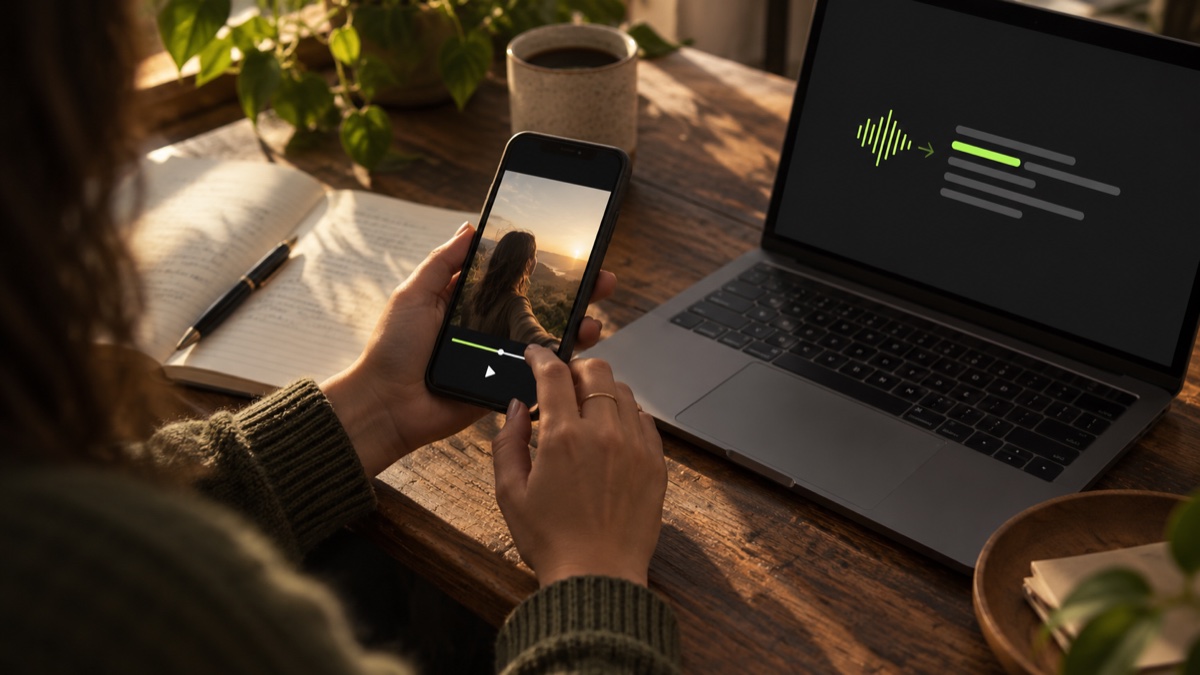
To turn a spoken Instagram Reel into text, you don't need to manually pause and transcribe the video. If the Reel is publicly accessible, you can paste its link into an online transcript extractor to convert spoken dialogue into readable text in seconds.
This guide outlines the three primary methods for converting Instagram Reels to text, their trade-offs, and how to export usable text and timed subtitle files.
Understanding Speech Transcription vs. On-Screen OCR
Before starting, distinguish between audio transcription and visual text recognition:
- Speech-to-Text Transcription: Processes human vocal frequencies from the audio track. It captures the words spoken by creators, interviewees, or voiceover artists.
- Visual OCR (Optical Character Recognition): Reads text overlays, stickers, and burnt-in graphics displayed visually on screen.
Dedicated script extractors perform speech-to-text transcription. If a video features only silent footage with text stickers or background music without vocals, a speech extractor will not generate dialogue.
Method 1: Use an Instagram Reel URL Extractor (Fastest)
For public Instagram Reels, using a dedicated URL-based tool eliminates the need to download large video files to your device.
Video Script Extractor converts spoken audio directly from supported public Instagram Reel and video-post links into structured text files.
Step 1: Copy the Public Reel Link
Open Instagram on your phone or browser, locate the target Reel, tap the Share button, and select Copy link. Ensure the video comes from a public account; external tools cannot access private profiles.
Step 2: Open Video Script Extractor
Visit Video Script Extractor. The service operates entirely in your browser without requiring desktop software or extensions.
Step 3: Paste and Process
Paste the copied URL into the input field and select Get transcript. The platform identifies the spoken language automatically (supporting 60+ languages) and processes the dialogue in the background.
Step 4: Download Your Files
When the extraction completes, download the result package containing three standard formats:
TXT: Plain unformatted text for copying into notes, blog posts, or research summaries.SRT: SubRip subtitle file with millisecond timestamps, ready to import into Premiere Pro, CapCut, or DaVinci Resolve.VTT: WebVTT format for modern web video players.
Registered users receive two free successful video extractions per day (up to three minutes per video) with no credit card required.
👉 Try Video Script Extractor to convert an Instagram Reel into text.
Method 2: Manual Transcription (Best for Short Quotes)
If you only need a single sentence or a 10-second soundbite, manual transcription is a straightforward alternative.
- Workflow: Play the Reel at normal speed, pause every 3–5 seconds, and type the dialogue into a document.
- Pros: 100% control over grammar, punctuation, and industry-specific terminology.
- Cons: Extremely time-consuming for longer clips. A 60-second fast-paced Reel often takes 10 to 15 minutes to transcribe by hand.
Method 3: General Speech-to-Text Software (Best for Local Files)
If you already have the original MP4 file saved on your hard drive (for example, footage you filmed yourself), you can upload it to general-purpose transcription software.
- Workflow: Open desktop transcription software, upload the local file, wait for processing, and export the transcript.
- Pros: Useful for long-form recordings and local audio archives.
- Cons: Adds extra friction for social video research, requiring you to download the video before you can start transcribing.
Method Comparison
| Method | Best For | Typical Workflow | Main Limitation |
|---|---|---|---|
| URL Transcript Extractor | Public Instagram Reels & fast research | Paste Reel link → Download text & subtitles | Requires an accessible public video |
| Manual Transcription | Brief 5–10 second quotes | Play, pause, and type manually | Very slow for full videos |
| Local File Speech Software | Your own raw camera footage | Upload local MP4 file | Requires downloading video files first |
Frequently Asked Questions
Can I turn an Instagram Reel into text for free?
Yes. Video Script Extractor provides two free video extractions per day (up to 3 minutes each) for registered accounts, with full TXT, SRT, and VTT download access.
Does this transcribe private Instagram Reels?
No. URL-based transcription services cannot bypass platform security settings to access private accounts. If you have permission from the creator, ask them for the raw video file and transcribe it locally.
Can I generate video subtitles from the transcript?
Yes. Downloading the .srt or .vtt file provides synchronized timecodes that align with the original video playback.