Video Transcription for Coaches, Podcasters & Small Businesses: Fast Browser Workflows
Turn podcast teaser clips, coaching demos, and short product walkthroughs into searchable TXT notes and SRT subtitles—without expensive enterprise transcription contracts.
Podcasters, fitness and business coaches, course creators, and small business teams produce dozens of short video clips every week—from 90-second podcast teasers and form-check demos to quick internal screen recordings.
Manually typing out spoken explanations to build SOPs, show notes, or course handouts wastes hours. With **[Video Script Extractor](https://videoscriptextractor.com/video-transcription)**, lean teams can convert both public social clips and local **MP4 / WebM** recordings into clean text and timed subtitles directly in the browser.
3 Practical Workflows for Lean Teams & Solo Operators
1. Podcasters: Turn Short Promotional Clips into Show Notes & Subtitles
- The Workflow: When publishing 1-to-3-minute vertical podcast teasers on Instagram Reels, TikTok, or YouTube Shorts, paste the public link—or upload the pre-release MP4 file (up to 25 MB)—to generate an
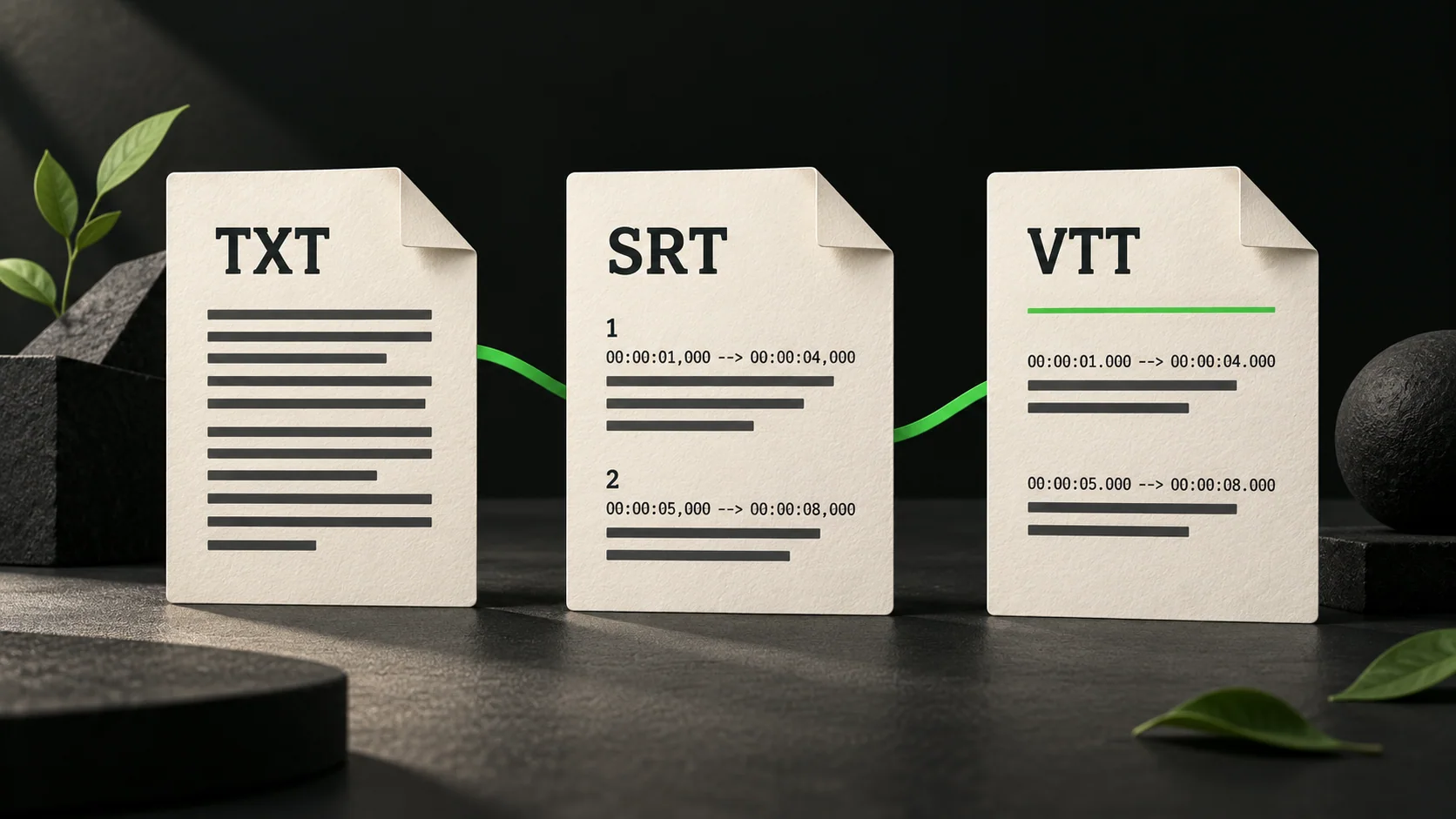
.srtfile for your video editor and a clean.txttranscript for episode show notes. - Why It Fits: Pay-as-you-go credits (1 credit per started minute, charged only upon success) mean you only pay when you actually process clips, rather than carrying bloated monthly seat fees.
2. Coaches & Course Creators: Build Written Handouts from Demo Videos
- The Workflow: Record a concise 2-to-3-minute exercise walkthrough, nutrition tip, or software tutorial in MP4 or WebM format (under 25 MB), upload it on the Video Transcription page, and copy the plain-text script directly into your client workbook or LMS lesson description.
- Accessibility Bonus: Download the bundled
.vttfile to attach closed captions to web-hosted training modules.
3. Small Businesses: Document Product Demos & Customer Testimonials
- The Workflow: Extract spoken quotes from public customer testimonial Reels or short internal screen recordings to build FAQ pages, onboarding docs, and sales enablement snippets.
- Best Practice: Keep the source video link saved at the top of each
.txtdocument and verify customer names, product SKUs, and figures before publishing.
Frequently Asked Questions (FAQ)
What file size and duration limits apply to business or coaching clips?
Local MP4 and WebM uploads support files up to 25 MB. Free accounts include 2 successful transcriptions per day (up to 3 minutes each), while longer recordings use 1 credit per started minute via credit packs or monthly plans on the Pricing page.
Can teammates re-download a completed transcript without paying twice?
Yes. Completed transcriptions remain saved in the account's transcript history, allowing you to copy plain text or re-download TXT, SRT, and VTT files at no extra credit cost.