How to Get an X (Twitter) Video Transcript: Download TXT, SRT & VTT
Need to quote a public X (Twitter) video post or download timed subtitles? Learn how to turn any public X video link into clean TXT, SRT, and VTT files in seconds.
Breaking interviews, policy briefings, product launches, and founder commentary frequently circulate first as native videos on **X (formerly Twitter)**. When journalists, analysts, or content creators need to quote a clip accurately—or export timed captions for a recap—manually transcribing audio is slow and error-prone.
With **[Video Script Extractor's X/Twitter Video Transcript tool](https://videoscriptextractor.com/twitter-transcript)**, you can extract the spoken dialogue from any public X video post directly in your browser and download **TXT**, **SRT**, and **VTT** files in seconds.
Step-by-Step: How to Transcribe a Public X (Twitter) Video Link
You do not need a browser extension, mobile app, or video downloader first:
- Copy the Public X Post Link Open the public post containing the native video on X (
x.com/username/status/POST_IDortwitter.com/username/status/POST_ID), click Share, and select Copy link. The tool also acceptst.colinks that redirect to an X video post. - Paste the Link into the X/Twitter Extractor Go to X/Twitter Video Transcript, paste the post URL into the input box, and sign in with your account.
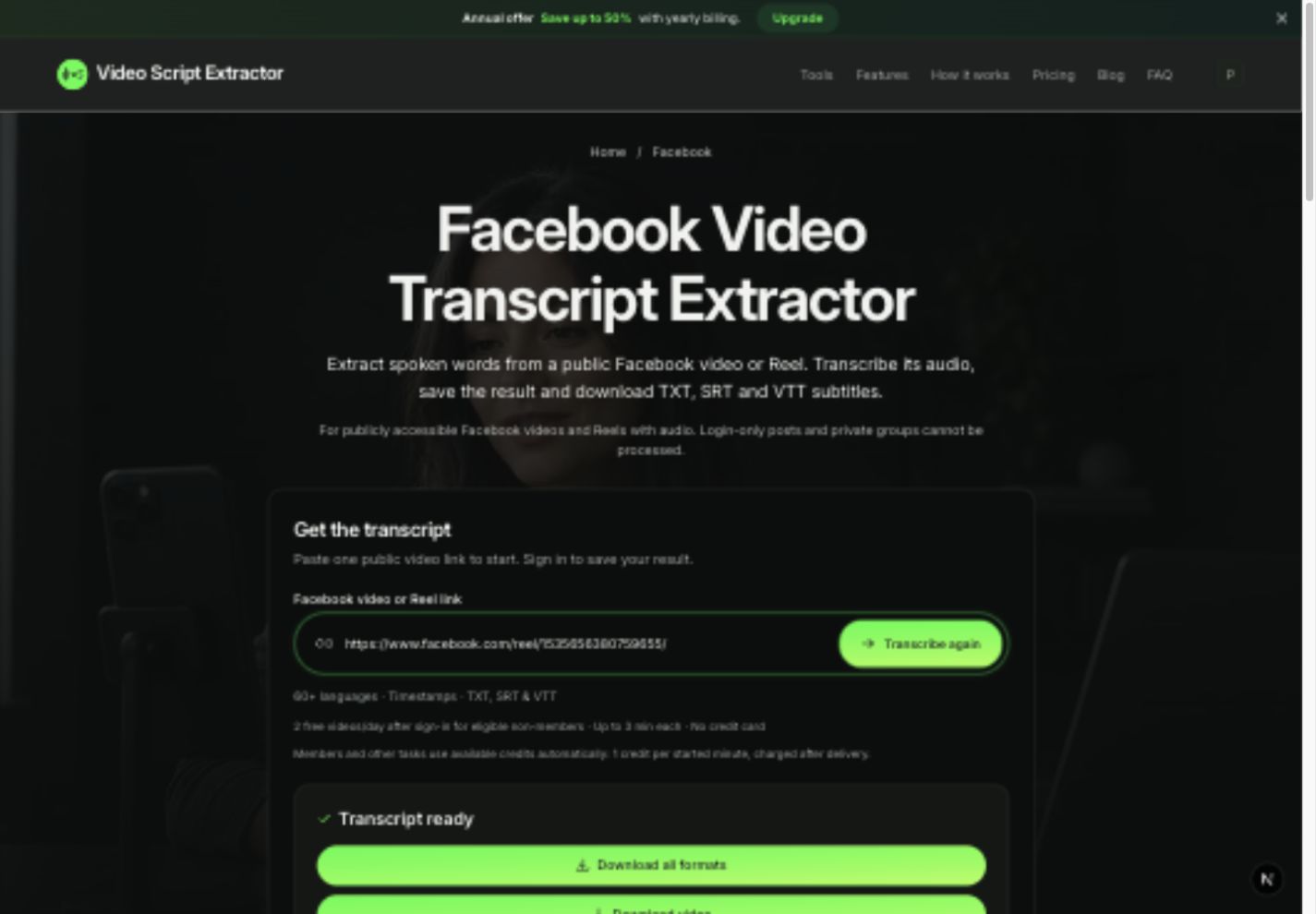
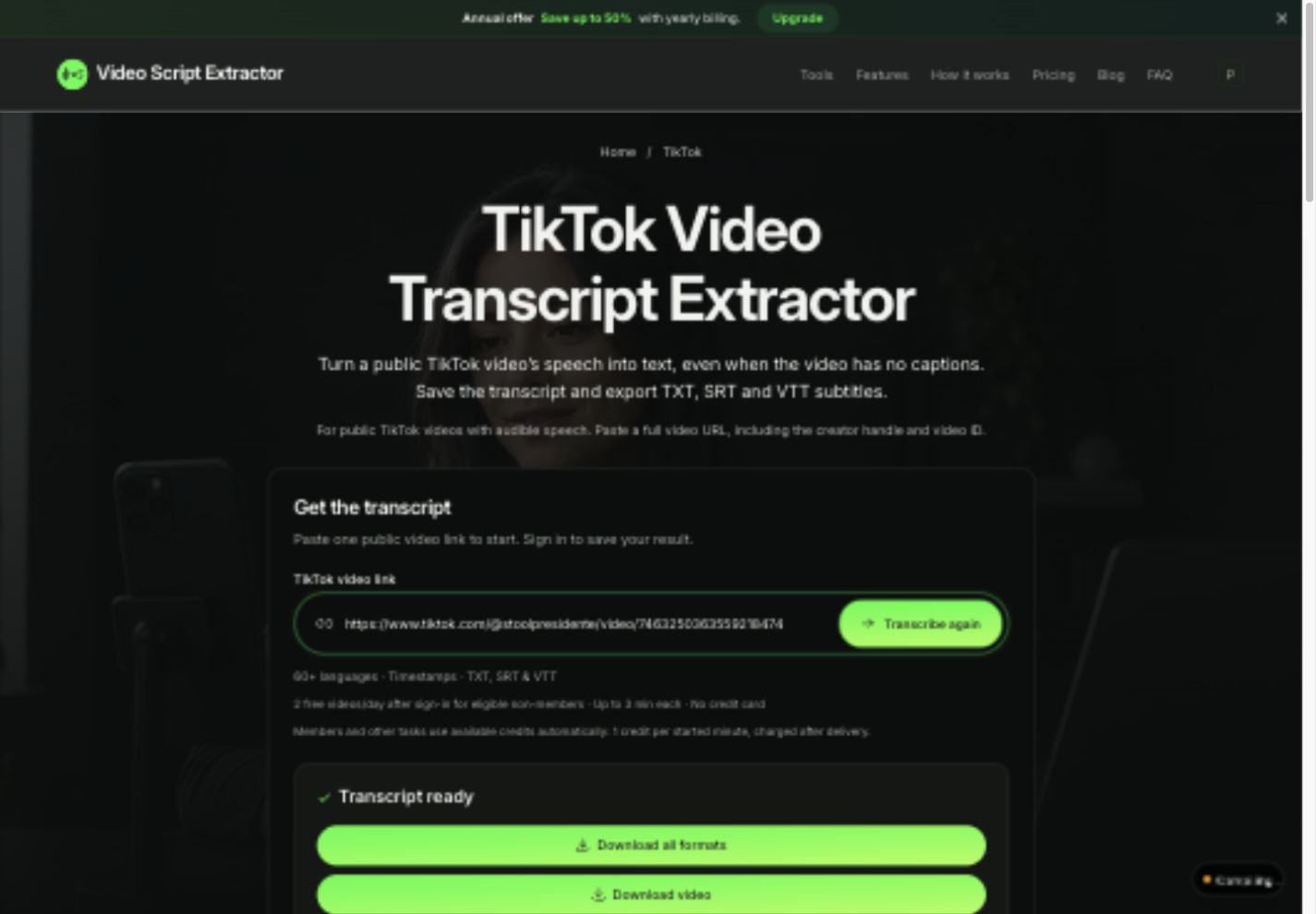
- Read, Copy, or Download TXT, SRT & VTT Once processed, read the full transcript on screen, copy plain text to your clipboard in one click, or download TXT, SRT, and VTT together in a single ZIP from your transcript history.
Best Practices for Quoting & Archiving X Video Clips
- Verify Names, Titles & Figures: Speech recognition supports 60+ spoken languages, but always double-check proper nouns, technical acronyms, and numbers against the audio before publishing an editorial quote.
- Use SRT Timestamps to Fact-Check Key Statements: Open the exported
.srtor.vttfile to see exact segment timestamps (00:00:14,200 --> 00:00:18,600), making it effortless to verify context in the original video. - Save the Source Status URL Above Your Notes: Paste the original
x.com/...post link at the top of your downloaded.txtfile so editors or teammates can trace the primary source anytime.
Frequently Asked Questions (FAQ)
Can I transcribe a video from a protected (private) X account?
No. Only publicly accessible X/Twitter posts containing native video with audible speech are supported. If a link fails because the account is protected, deleted, or lacks spoken dialogue, your daily free slot or credit is restored automatically.
How many X/Twitter videos can I transcribe for free?
Signing in gives you 2 free video transcriptions per day (up to 3 minutes per video), shared across X/Twitter, Instagram, TikTok, YouTube, Facebook, and local MP4/WebM uploads—with full TXT, SRT, and VTT exports included.
Does the transcript include reply threads or tweet text?
No. The extractor transcribes audible spoken dialogue from the video itself, giving you an uncluttered script without surrounding tweet replies or hashtags.